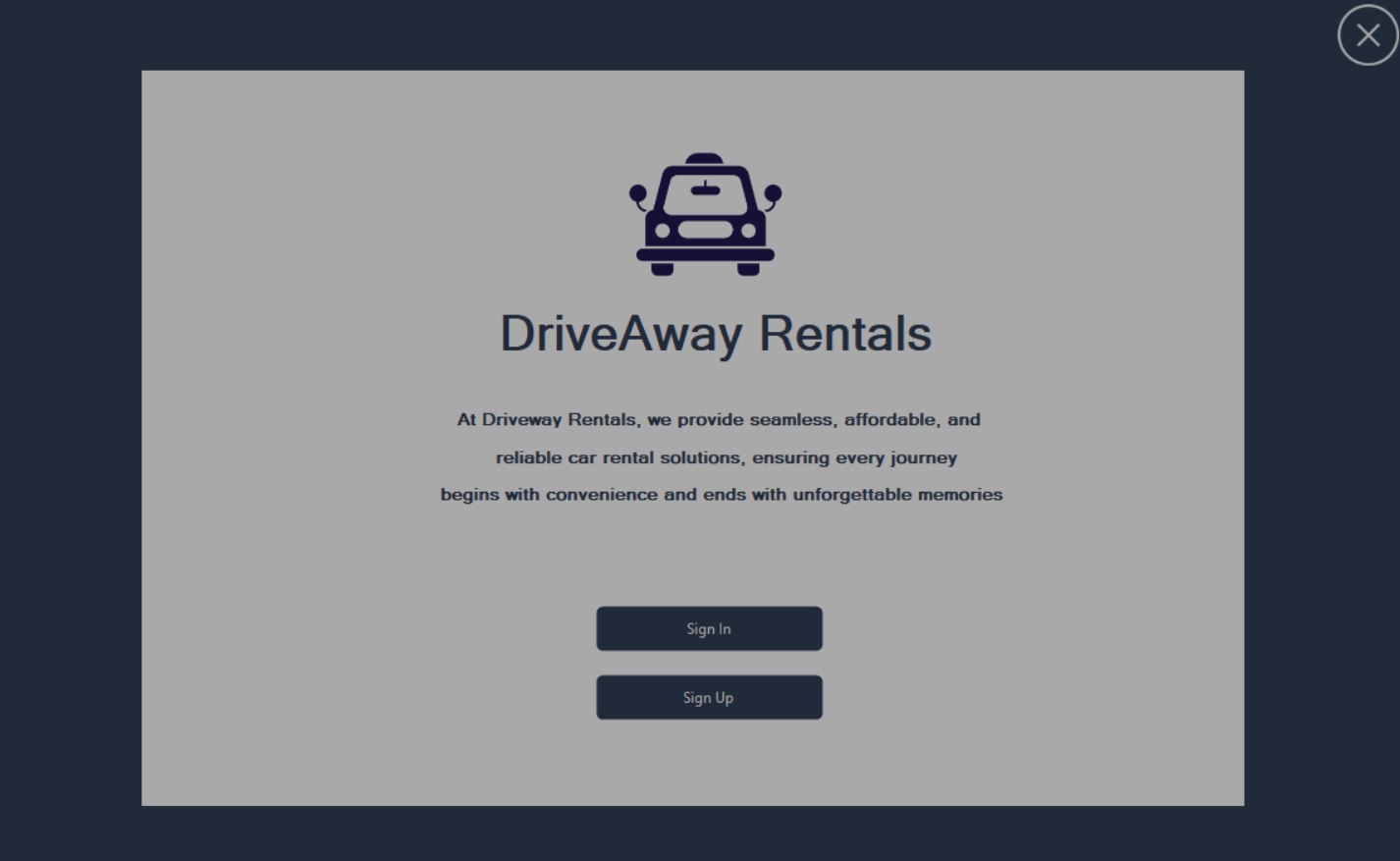
The objective of this project is to streamline and automate the day-to-day operations of a car rental company. The proposed system addresses the core challenges typically faced in car rental workflows by digitalizing processes such as vehicle tracking, customer handling, payment management, and more—reducing manual workload and improving efficiency.
| Category | Details |
|---|---|
| Language | C# (C-Sharp) |
| Framework | .NET Framework / .NET 6+ |
| UI Technology | Windows Forms (WinForms) |
| IDE | Microsoft Visual Studio 2022 |
| Database | Microsoft SQL Server |
| Reporting | Crystal Reports |
| Data Access | ADO.NET |
| UI Enhancements | Guna.UI Framework |
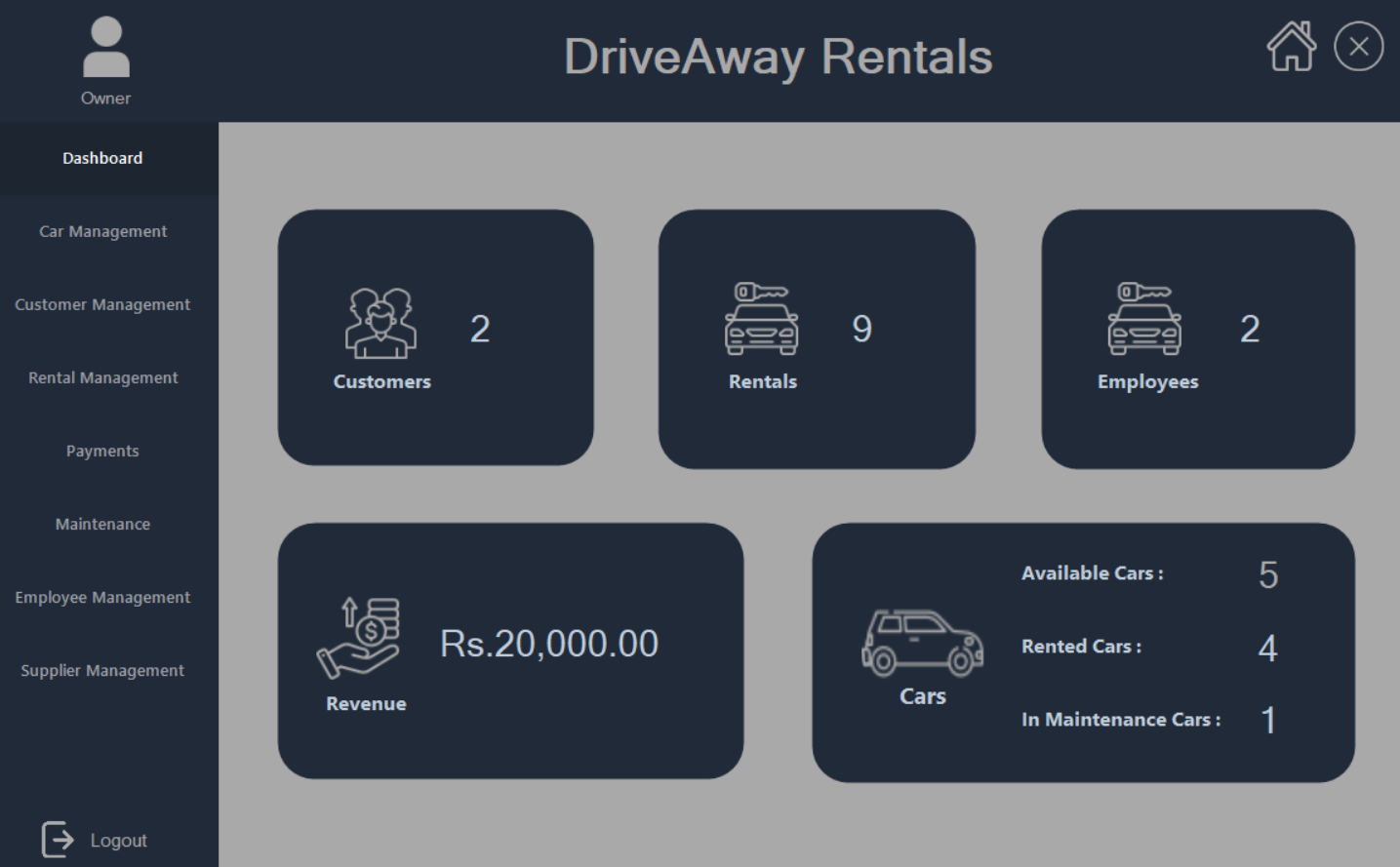
- Car Management
- Customer Management
- Employee Management
- Rental (Booking) Management
- Payment/Billing Management
- Maintenance Management
- Supplier Management
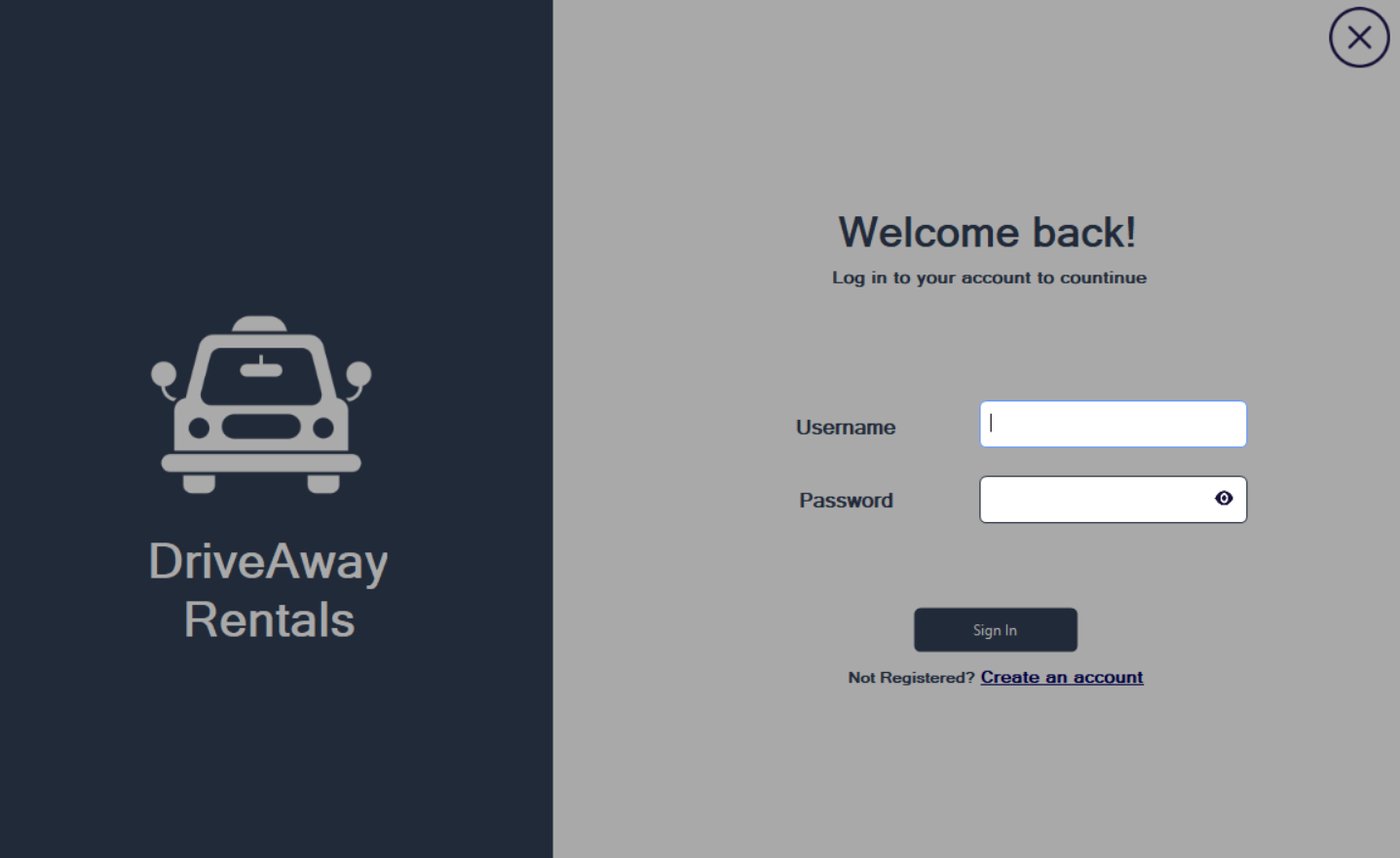
- Tab-Based Navigation and User Profile Management
The system is built using a tab control interface that organizes key functions into separate modules:
- Add, update, delete, and view cars
- Fields:
- ID
- Model
- Brand
- Registration Number
- Rental Price
- Availability Status
- Add, update, delete, and view customer profiles
- Fields:
- Customer ID
- Name
- Phone
- Driving License
- Add, update, delete, and view suppliers
- Fields:
- Supplier ID
- Name
- Phone
- Services Provided
- Link cars with customers for rental processing
- Shows only added customers and cars — must exist in system
- Create, update, and delete payment records for rentals
- Log car service/maintenance details
- Fields:
- Maintenance ID
- Car ID
- Date
- Remarks
- Status
- Register and manage employees
- Fields:
- Employee ID
- Name
- Position
- Phone
- Hire Date
- Download Visual Studio 2022
- Select: .NET Desktop Development workload
- Install and restart if prompted
Create a new project→ Search: Windows Forms App- Choose:
.NET Framework(e.g., 4.8)- or
.NET 6/7/8for modern projects
- Name:
CarRentalSystem - Location:
D:\CSharpProjects - Click Create
- Open
.slnfile from folder
- Use drag-and-drop Form Designer
- Add controls from Toolbox (TextBox, Buttons, etc.)
- Use TabControl to create sections
- Double-click controls to add logic in
Form1.cs
- Build:
Ctrl + Shift + B - Run:
F5or green Play button
- DB code is separate and integrated using ADO.NET (not included in GitHub version if not required)
- Crystal Reports used for invoice generation
- Guna.UI enhances the form appearance
This project uses Microsoft SQL Server for data storage. Follow these steps to create and configure the database.
- Microsoft SQL Server installed (Express or Developer edition recommended)
- SQL Server Management Studio (SSMS) installed
- Download SSMS here: https://aka.ms/ssms
-
Open SSMS and Connect to SQL Server
- Launch SSMS
- Connect to your server instance (e.g., localhost or .\SQLEXPRESS)
-
Create the Database
- Right-click
Databases→New Database... - Name it
CarRentalDB - Click OK
- Right-click
-
Create Tables
- Open a new query window
- Run the SQL script