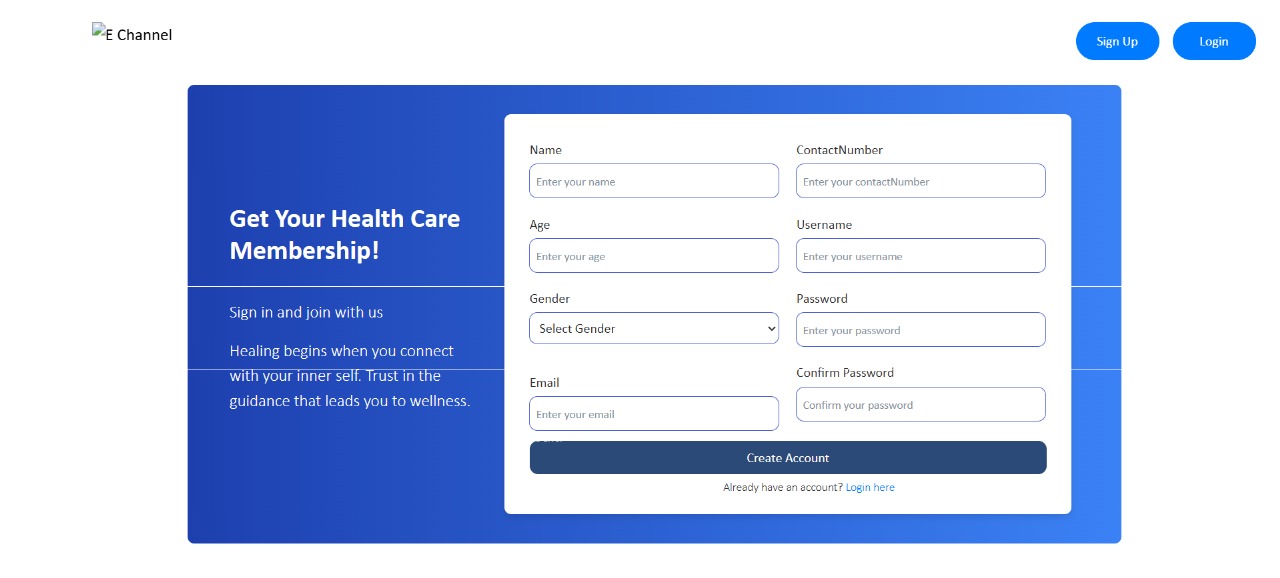
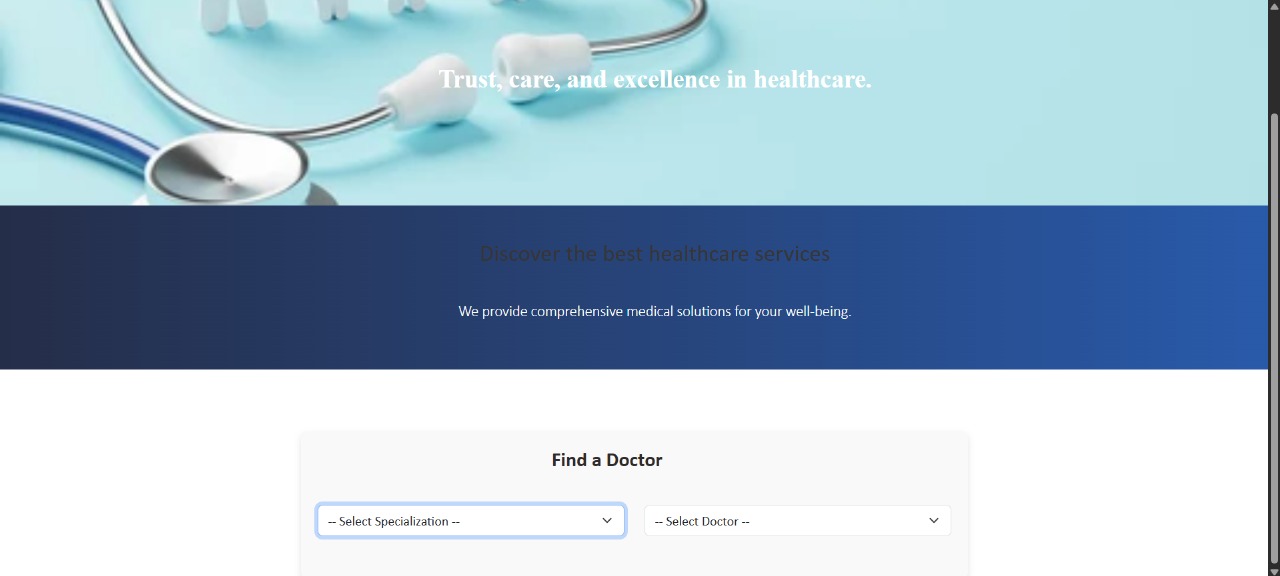
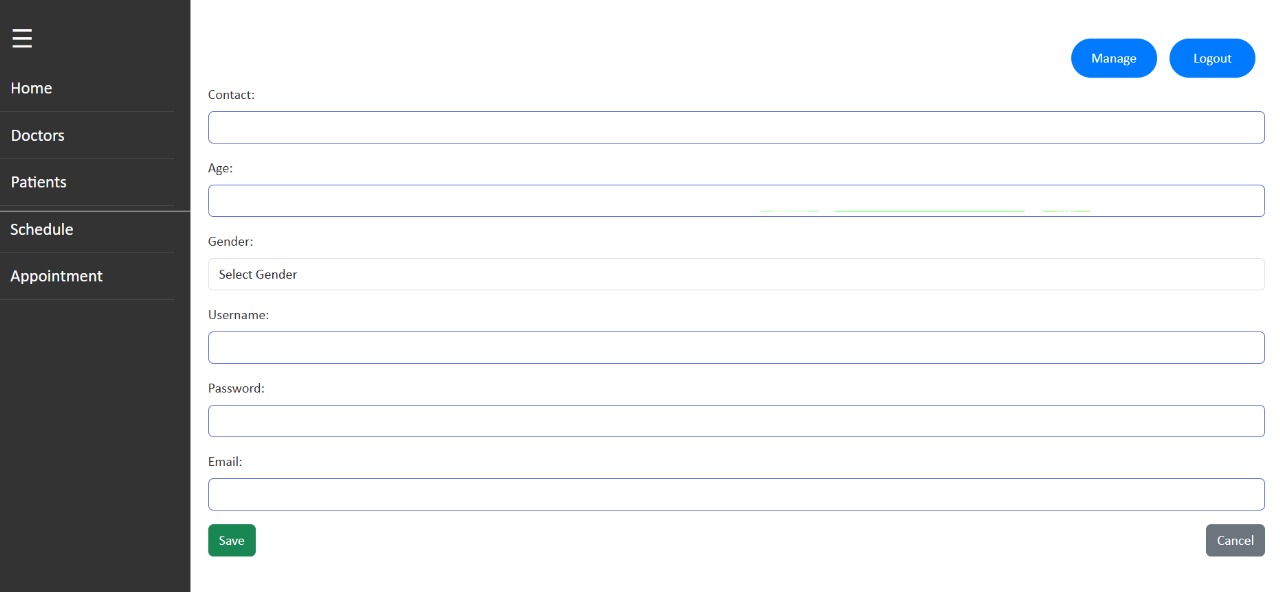
The E-Channel Platform is a web-based appointment booking system that streamlines and digitizes the healthcare consultation process. Built with Spring Boot (Java) for the backend and React.js for the frontend, the platform enables patients to book, reschedule, or cancel medical appointments with available doctors. It connects patients, doctors, and administrative staff through a seamless digital workflow.
- Backend: Java Spring Boot (RESTful APIs)
- Frontend: React.js
- Database: MySQL
- User registration and login (patients, doctors, admins)
- Doctor profile management
- Appointment scheduling and cancellations
- Role-based access (e.g., patient vs doctor views)
- Admin panel for managing users and appointments
| Tool | Purpose | Download Link |
|---|---|---|
| Java JDK 17+ | Backend runtime | https://adoptium.net/ |
| Maven 3.8+ | Java build tool | https://maven.apache.org/download.cgi |
| Node.js (v18+) | React build and dev server | https://nodejs.org/ |
| MySQL Server 8.0+ | Database server | https://dev.mysql.com/downloads/mysql/ |
| MySQL Workbench | GUI to manage MySQL DB | https://dev.mysql.com/downloads/workbench/ |
| Postman | API testing tool | https://www.postman.com/downloads/ |
| IntelliJ IDEA | Java microservice IDE | https://www.jetbrains.com/idea/download/ |
| Visual Studio Code | React frontend IDE | https://code.visualstudio.com/ |
- Open MySQL Workbench
- Create a new connection (e.g., root@localhost)
- Run the following queries:
CREATE DATABASE echannel_patient;
CREATE DATABASE echannel_appointments;
CREATE DATABASE echannel_doctors;
- Note your MySQL username and password for backend configuration
The backend consists of three microservices:
| Service | Description | Port |
|---|---|---|
| patient-service | Manages patient registration and login | 8081 |
| appointment-service | Handles appointment operations | 8082 |
| doctor-service | Manages doctor profiles | 8083 |
- Unzip and extract each ZIP to its own folder:
/patient-service/appointment-service/doctor-service
- Open IntelliJ IDEA three times (once for each service):
- File > Open > Select a folder > Open in New Window
patient-service:
server.port=8081
spring.datasource.url=jdbc:mysql://localhost:3306/echannel_patient
spring.datasource.username=root
spring.datasource.password=yourpassword
appointment-service:
server.port=8082
spring.datasource.url=jdbc:mysql://localhost:3306/echannel_appointments
spring.datasource.username=root
spring.datasource.password=yourpassword
doctor-service:
server.port=8083
spring.datasource.url=jdbc:mysql://localhost:3306/echannel_doctors
spring.datasource.username=root
spring.datasource.password=yourpassword
In IntelliJ:
- Right-click the main class (e.g.,
PatientServiceApplication.java) - Click Run
Verify services run on:
- http://localhost:8081 (patient-service)
- http://localhost:8082 (appointment-service)
- http://localhost:8083 (doctor-service)
- Open the
/frontendfolder in Visual Studio Code - Run:
npm install
- Create a
.envfile in the/frontenddirectory:REACT_APP_PATIENT_API=http://localhost:8081/api REACT_APP_APPOINTMENT_API=http://localhost:8082/api REACT_APP_DOCTOR_API=http://localhost:8083/api
- Start the frontend application:
npm start
React app will run on:
- Open Postman and create a collection named E-Channel APIs
- Example endpoints:
| Method | URL | Description |
|---|---|---|
| POST | http://localhost:8081/api/patient/login | Patient login |
| POST | http://localhost:8081/api/patient/register | Patient registration |
| POST | http://localhost:8082/api/appointments | Create appointment |
| GET | http://localhost:8082/api/appointments | Get all appointments |
| GET | http://localhost:8083/api/doctors | Get all doctor profiles |
- Add the following headers:
Content-Type: application/json
- For authorized routes, add:
Authorization: Bearer <your_token_here>
- Ensure MySQL server is running before launching backend services.
- All microservices should be started separately in different IntelliJ windows.
- The React app interacts with the microservices through the base URLs defined in the
.envfile. - Test and validate all endpoints using Postman.