A web-based platform where Admins can add, edit, and delete recipes, while Users can browse recipes and submit reviews. The system supports two types of user logins and maintains all data in a MySQL database.

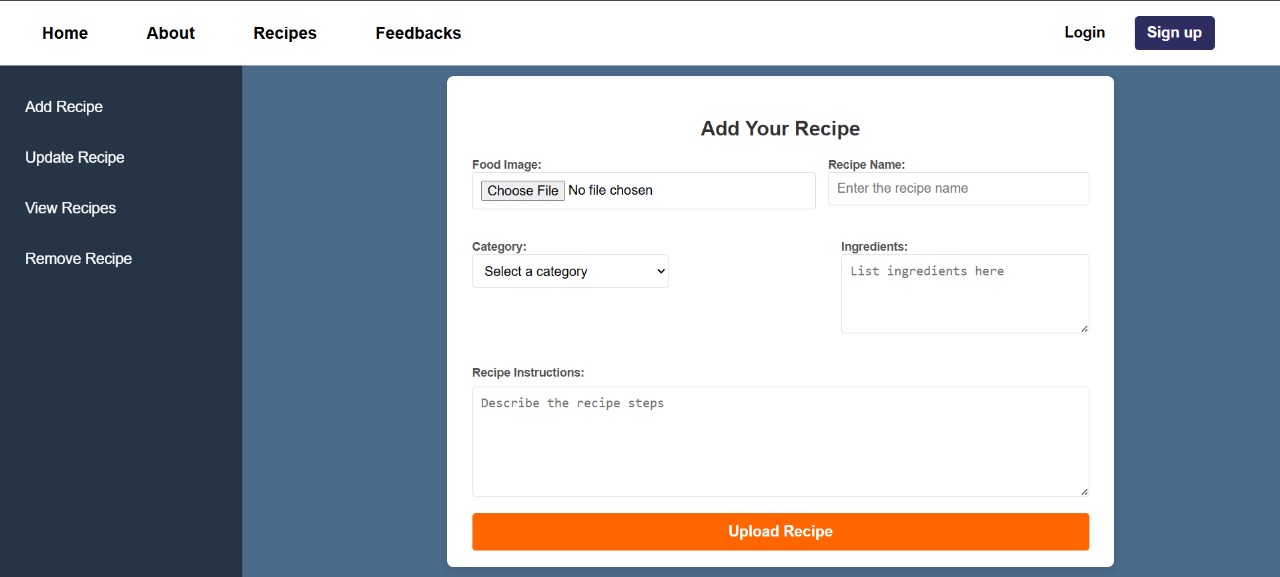
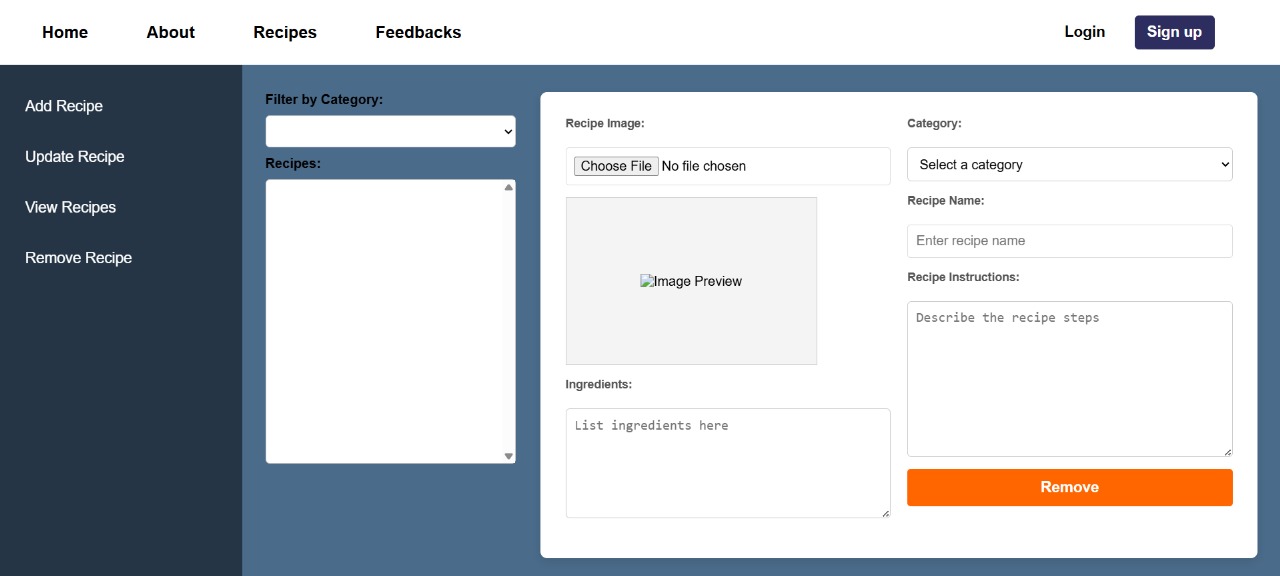
- Login to admin panel
- Perform CRUD operations on recipes (Add, Edit, Delete, View)
- Manage recipe details: title, ingredients, instructions, category, image
- Login to user panel
- Browse and search recipes
- Submit reviews/comments on recipes
- View existing reviews
- Frontend: HTML, CSS, JavaScript
- Backend: PHP
- Database: MySQL
- Recommended: XAMPP/WAMP/MAMP
- Download XAMPP: https://www.apachefriends.org/download.html
- Version 8.x or compatible
- Use phpMyAdmin (bundled with XAMPP) or MySQL Workbench
-
Install Visual Studio Code (if not already installed):
https://code.visualstudio.com/ -
Install XAMPP (includes PHP, Apache, and MySQL):
Download from https://www.apachefriends.org/download.html and follow the installation steps. -
Install PHP Server extension in Visual Studio Code:
- Open VS Code
- Go to Extensions (
Ctrl+Shift+X) - Search for PHP Server and install it
- This allows you to run a local PHP server directly from VS Code.
-
Install PHP IntelliSense extension:
- Search for PHP IntelliSense in Extensions and install it
- Provides intelligent code completion and error checking for PHP.
-
Open your project folder in Visual Studio Code.
-
Start Apache server in XAMPP Control Panel:
- Open XAMPP Control Panel
- Click Start next to Apache
- Ensure the server is running (green status)
-
Access your project in browser:
- Place your PHP project folder inside
xampp/htdocs/directory - Open browser and go to
http://localhost/your_project_folder/
- Place your PHP project folder inside