

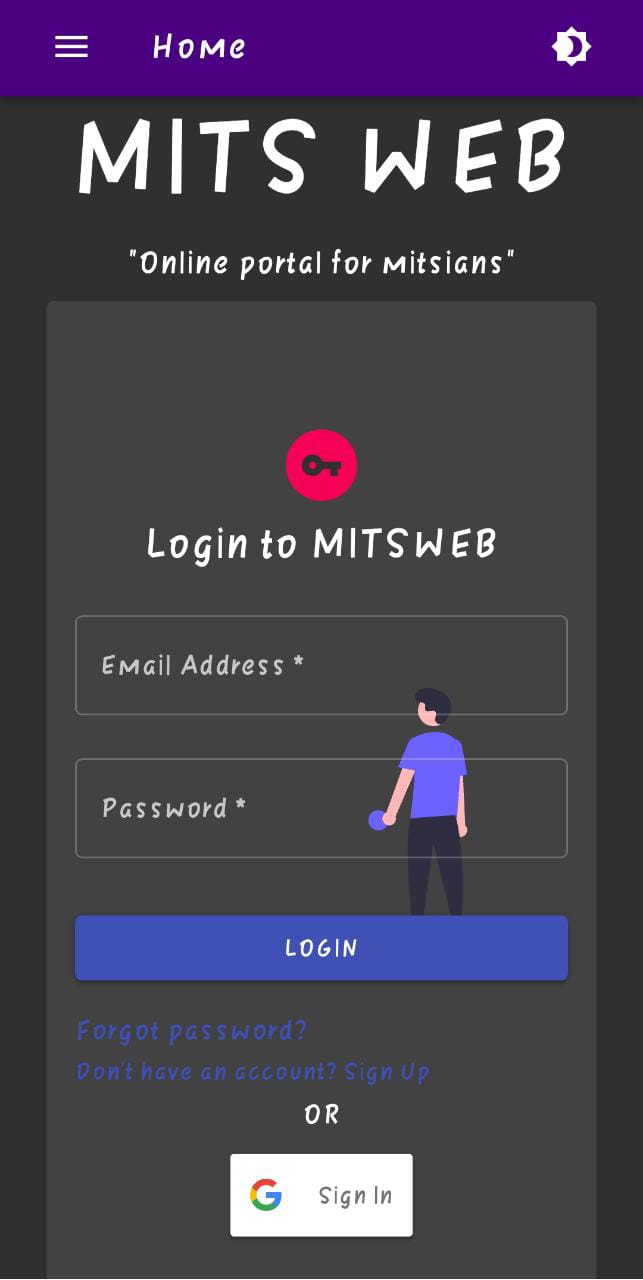
A web platform developed for our college to implement the missing features in the existing portal with effective and efficient utilization of resources to reduce cost.


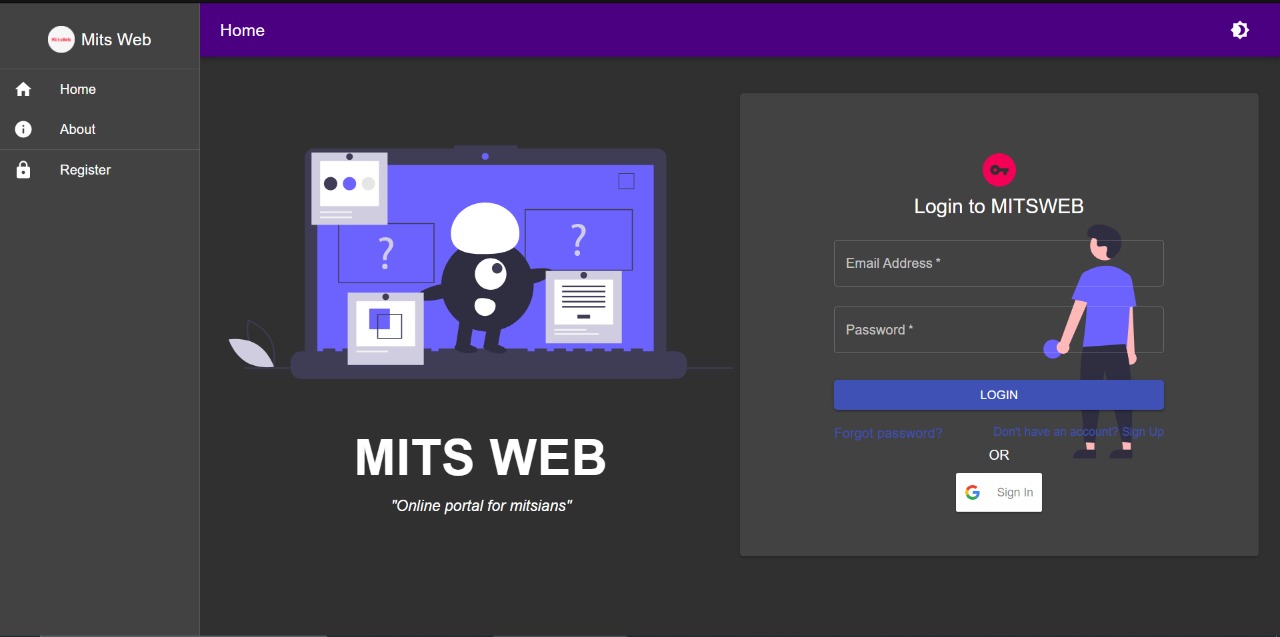
There are separate dashboards for students, teachers, admin, and security. It is used by students to request leave applications, gate passes, access course materials, exam information, etc. Teachers can enter student marks, attendance, create exams, and approve requests for leave and gate passes. Admins have the privilege to assign roles to teachers like faculty advisors or heads of department. Admins can add new users. Multiple users can be added by uploading data through excel sheets. Security can scan the QR code generated for gate passes to verify and permit students to go outside the campus.
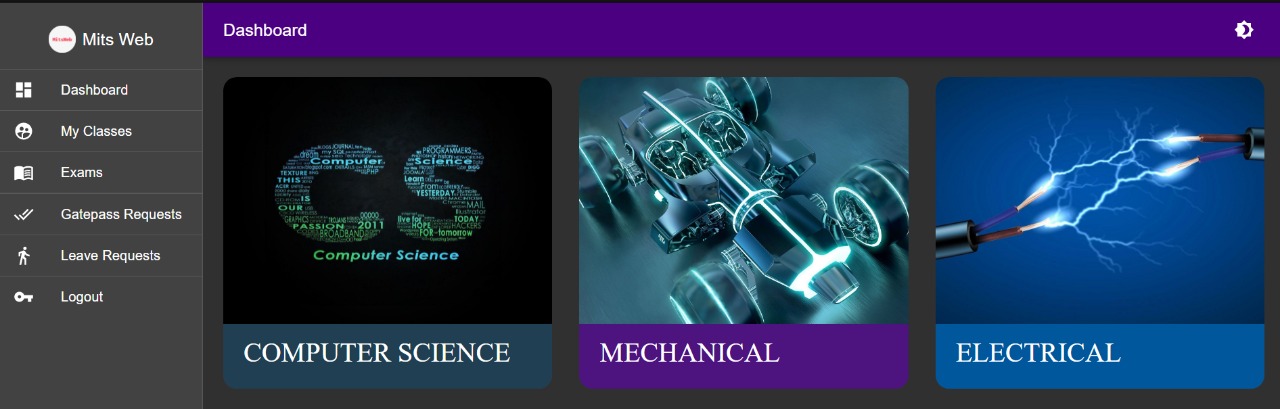
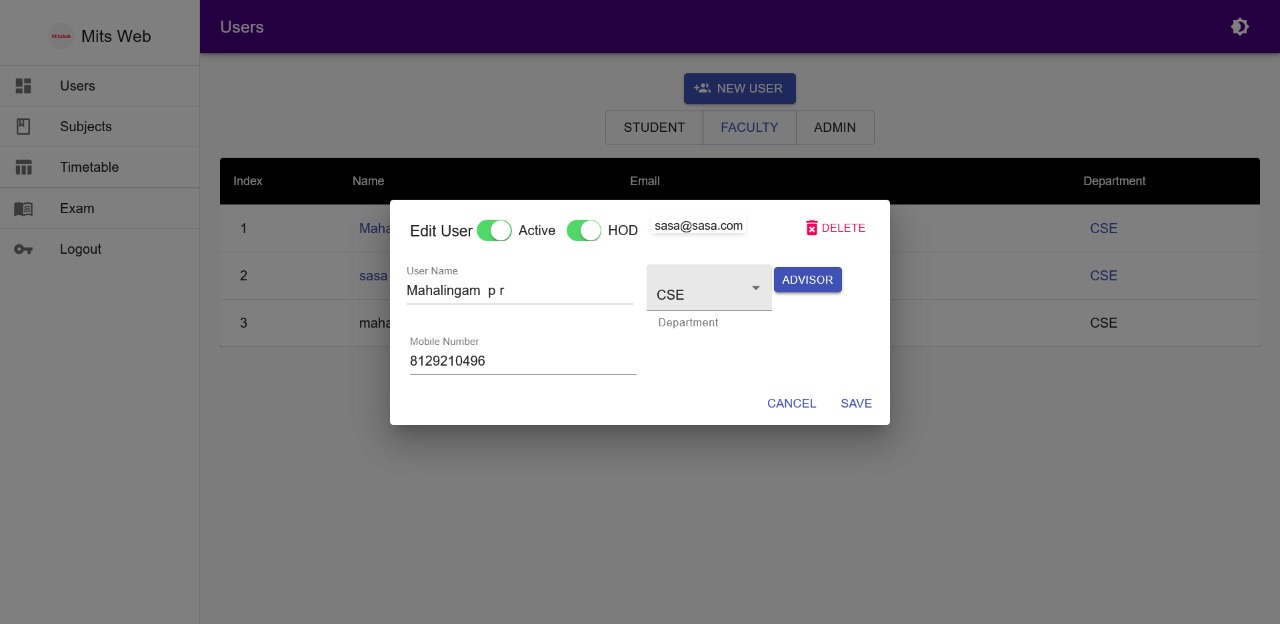
MitsWeb is now a Progressive WebApp for better accessibility and user experience. It allows users to install the app directly from the web to their desktops/home screens and provides the native app-like experience.
Being a fully responsive and compatible application, it provides users with the same experience across tablets, mobile devices, and desktops!
- Frontend : ReactJS (JavaScript), Material UI, Tailwind CSS
- Backend : NodeJs (Javascript)
- Database : MongoDB
- Deployment and Resources Optimization : Google Cloud Platform (To be done!!)
This is an ongoing project and in the next phase, our task is to implement report card generation, online fee payment, and manage new admissions.
- Clone the repo
https://github.com/MitsWb/MitsWeb-Fe.git - Run command to install all the dependencies
npm install - Create
.envfile in root folder and add required parameters - Run
npm start - Navigate to
http://localhost:8000/
- The main challenges which we encountered while implementing it:
- To connect all the schemas with each other.
- To build logic to store infomation and retrieve it efficiently.
- Navigating user and displaying content based on its type (Student, Faculty, Admin, Security Guard)
- Implementing google signin and converting to progressive web app required some time and efforts.