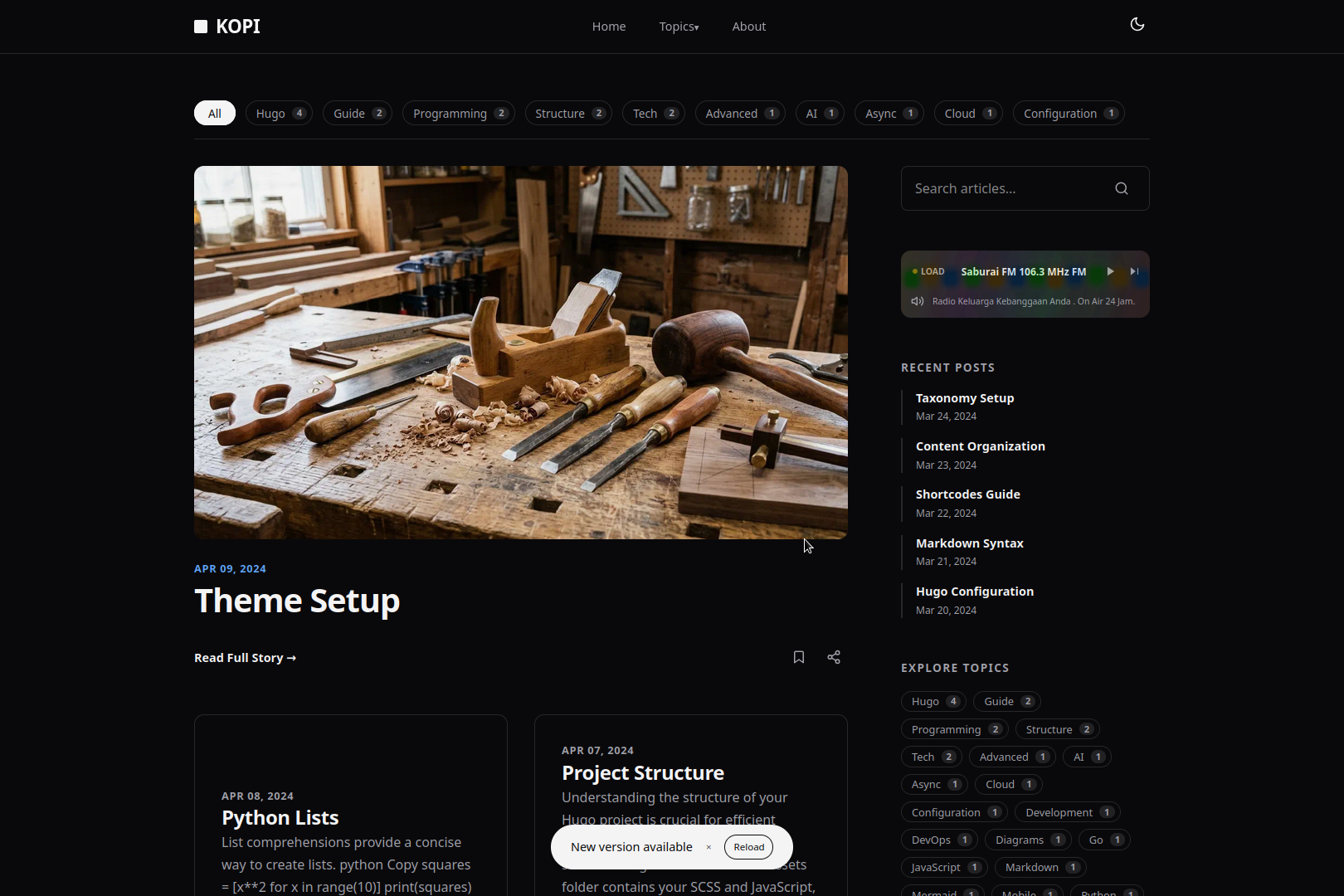
Kopi is a Hugo theme with a two-column magazine layout, system-driven dark mode, Turbo-based page navigation, and Mermaid diagram support. It compiles SCSS with Dart Sass, so it requires the Extended build of Hugo.

Hugo Extended version 0.157.0 or higher.
Choose one of the three setup routes below.
Start a site from scratch and add the theme as a submodule:
hugo new site your-blog
cd your-blog
git init
git submodule add https://github.com/bect/kopi.git themes/kopi
echo "theme: 'kopi'" >> hugo.yaml
hugo server -DAdd the theme to a site you already have:
git submodule add https://github.com/bect/kopi.git themes/kopiThen set the theme in hugo.yaml:
theme: 'kopi'The theme ships a ready-to-use deployment workflow at
exampleSite/.github/workflows/deploy.yml. Copy it into your repo and push —
no local theme setup required.
# inside your site's repository
mkdir -p .github/workflows
cp /path/to/kopi/exampleSite/.github/workflows/deploy.yml .github/workflows/
git add .github/workflows/deploy.yml
git push
Then complete the setup in GitHub:
- Push the site's repository to GitHub (your site lives at the repo root).
- In Settings → Pages, set Build and deployment → Source to GitHub Actions.
- Push a commit to
main(or run the workflow manually from the Actions tab).
The workflow makes these fallbacks so a bare site always builds with Kopi:
- If
themes/kopiis not present (or not added as a submodule), the workflow cloneshttps://github.com/bect/kopi.gitintothemes/kopi. - If no
themeis configured, orthemepoints to any other theme, the workflow forcestheme: 'kopi'inhugo.yaml/config.yaml/config.toml(or createshugo.yamlif no config file exists).
Add the following to your site's hugo.yaml. See exampleSite/hugo.yaml for a full example.
baseURL: 'https://example.com/'
languageCode: 'en-US'
title: 'Your Site Title'
theme: 'kopi'

params:
  subtitle: 'Your site subtitle or tagline'
  author:
    name: "Your Name"
    bio: "A short bio about yourself."
    link: "#" # Link to your profile or about page
    role: "Your Role"

menus:
  main:
    - name: 'Home'
      pageRef: '/'
      weight: 10
    - name: 'About'
      url: '/about'
      weight: 20

mediaTypes:
  application/radio+json:
    suffixes:
      - json

outputFormats:
  RADIO:
    mediaType: application/radio+json
    baseName: radio
    isPlainText: true
    notAlternative: true

outputs:
  home:
    - HTML
    - RSS
    - JSON
- RADIOThe radio widget is controlled by your site's hugo.yaml.
-
Enable: add
RADIOto theoutputslist for the home page (shown in the configuration above). -
Disable: remove
RADIOfrom theoutputslist:outputs: home: - HTML - RSS - JSON
Customize the playlist: edit /data/radio.yaml using this format per station:
- title: "Station Name"
  description: "A short description of the station."
  stream_url: "https://stream.url/here"
  location: "City, Country"
website_url: "https://station-website.com"This theme is licensed under the MIT License. See the LICENSE file for more details.
- Turbo.js for the fast navigation.
- Mermaid.js for diagram rendering.