
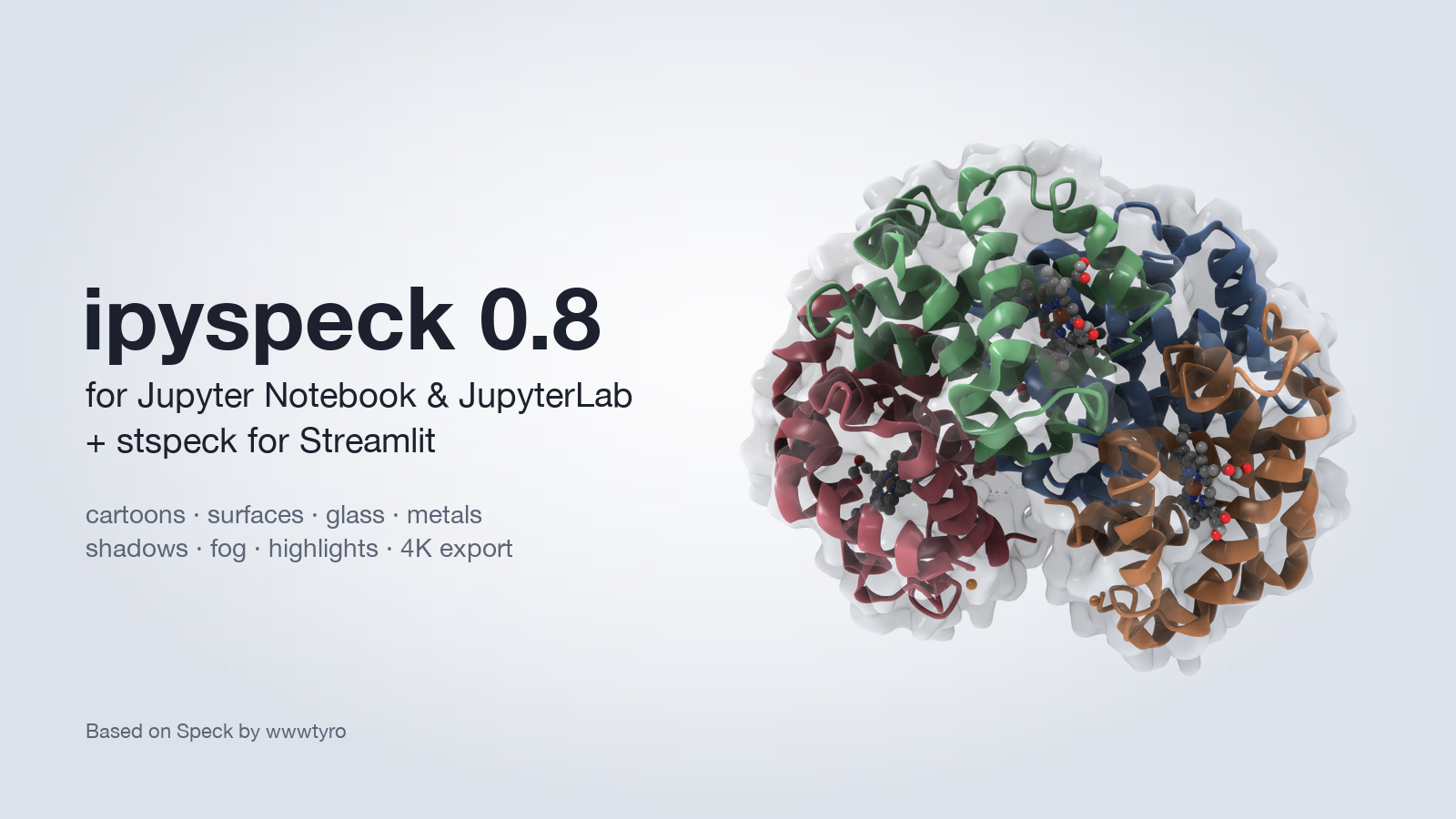
Publication-quality molecular graphics for Jupyter and Streamlit: ambient occlusion, protein and nucleic-acid cartoons, molecular surfaces (optionally glass-like), glossy and metallic materials, shadows, fog, macro depth of field and high-resolution export. Built on Speck by wwwtyro.


denphi.github.io/speck runs the same viewer in your browser. Load
any PDB ID, biological assembly (1STM-assembly1) or AlphaFold model, adjust every setting from the
sidebar (including the background), export a PNG, copy the settings as Python, or click a gallery image to
open that scene.
Links can open a structure or a scene directly:
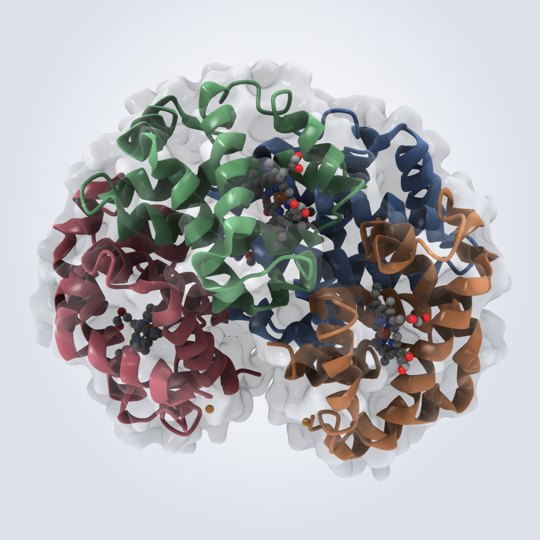
?q=4HHB,
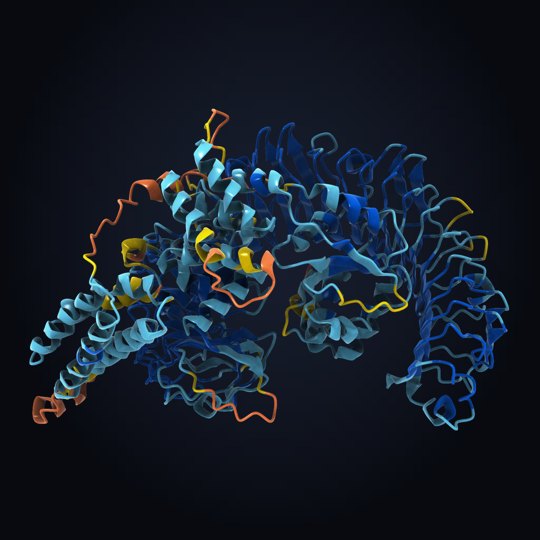
?q=Q8W3K0 (AlphaFold),
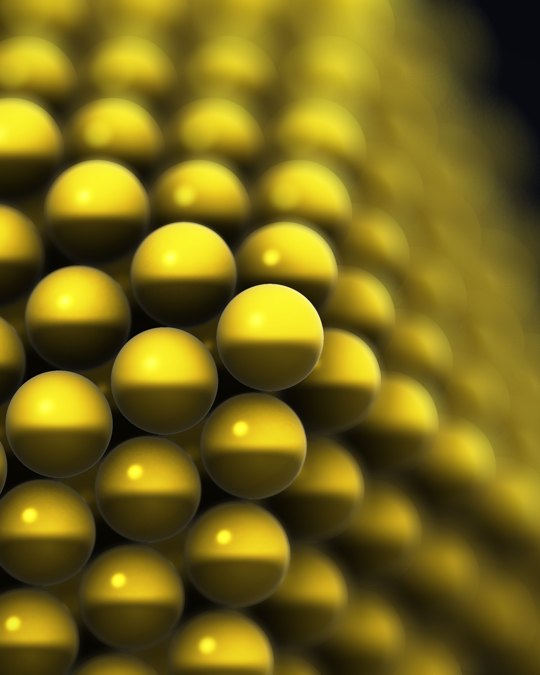
?example=gold_macro.
Jupyter (Notebook 6, JupyterLab 3 and 4; ipywidgets 7 and 8)
pip install ipyspeckfrom ipyspeck import Speck
w = Speck.from_pdb_id("4HHB", cartoonColor="chain", surface=True, surfaceOpacity=0.3,
highlight={"resName": "HEM"})
w.apply_preset("cover") # default, matte, glossy, toon, cover, metal, glass
w.save_image("hemoglobin.png", width=3000)Streamlit
pip install stspeckimport stspeck
stspeck.speck(**stspeck.fetch_alphafold("Q8W3K0"), preset="cover", height=500)Structures load from PDB, mmCIF, SDF / MOL or XYZ files, RCSB (as mmCIF, so even ribosomes load, or as whole biological assemblies), AlphaFold DB, MD trajectories (MDTraj, MDAnalysis), ASE, RDKit or pymatgen. See the package READMEs for every setting: ipyspeck · stspeck.

A one-minute guided tour of ABL kinase with the leukemia drug imatinib (PDB 1IEP): the two lobes, the hinge, the gatekeeper Thr315, the DFG motif and the P-loop, each highlighted and captioned, then the drug (full video). It is written as a list of stops, so the same notebook tours any protein:
stops = [("The hinge", {"chain": "A", "resSeq": [316, 317, 318]}, "Met318 hydrogen-bonds the drug"),
         ("The gatekeeper, Thr315", {"chain": "A", "resSeq": 315}, "T315I causes drug resistance")]
film = [shots.visit(site, 6, title=name, subtitle=why, color="#ff9f1c") for name, site, why in stops]
w.save_video("tour.mp4", film)
Simpler videos are one line (w.save_video("movie.mp4", "tour")) or the clapperboard button in the
viewer; see the video notebooks.
 |
 |
 |
 |
 |
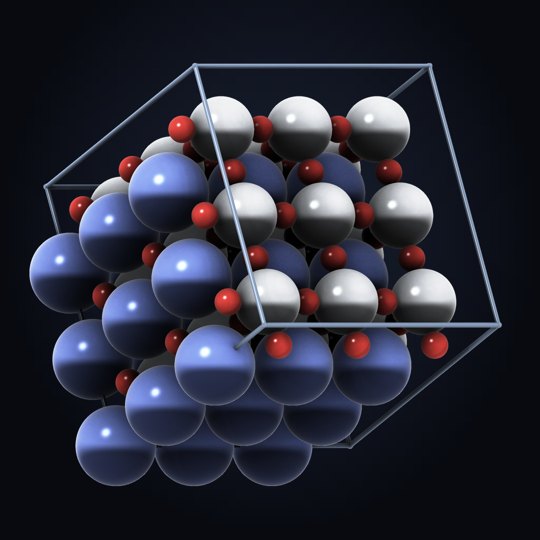 |
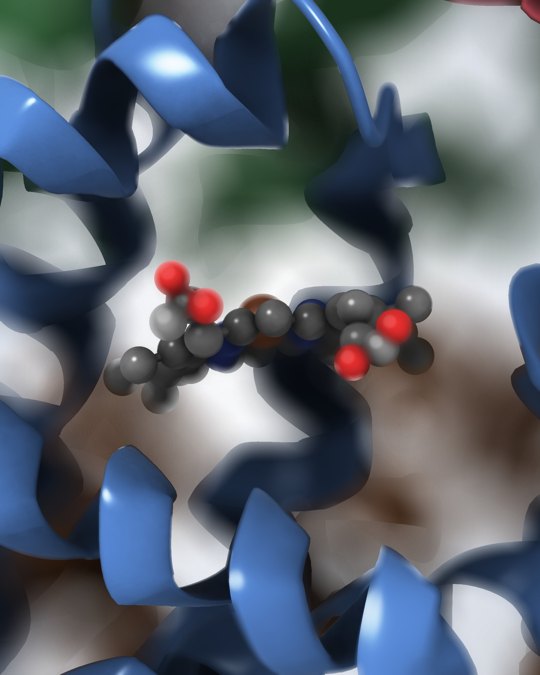
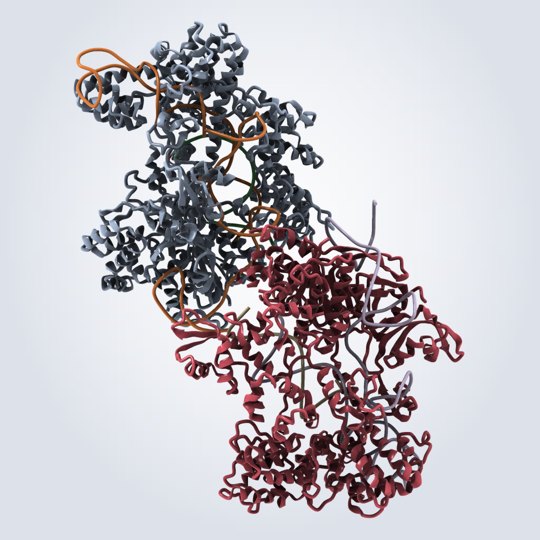
All 41 images: ipyspeck gallery. Each one has a notebook that reproduces it exactly, with the same settings and camera: jupyter/example/gallery. Click an image above to open that scene in the live demo.
- Representations: atoms and bonds (ball and stick, space filling, licorice), cartoons with secondary structure from the file or computed from backbone H-bonds, solvent-excluded surfaces, unit cells, trajectories
- Lighting: ambient occlusion, shadows from a key light, depth fog, rim light, outlines, highlight roll-off
- Materials: specular, gloss and metallic (optionally only on metal atoms)
- Depth of field: a macro-lens model (blur grows with depth and zoom);
dofFocuskeeps a selection sharp - Coloring: element, secondary structure, chain, rainbow, AlphaFold pLDDT, or any color; highlight and ghost any atom selection
- Output: supersampled PNGs up to 4096 px, turntable and trajectory animations (GIF, MP4)
- Videos: ready-made videos in one line (
w.save_video("movie.mp4", "tour")) or from the viewer's video button: spin, rock, orbit, ligand tour, focus pull, cut open, trajectories; or your own storyboard of shots and keyframes. Flicker-free MP4 made in the browser, up to 4K (examples) - Interface: toolbar with styles, cartoon / surface / ligand toggles, views and snapshot; camera synced with Python
| Path | What it is |
|---|---|
core/ |
Shared renderer (WebGL) and SpeckViewer, used by everything below. No npm dependencies. |
jupyter/ |
ipyspeck: Python package and JupyterLab / Notebook extension (README, changelog) |
jupyter/example/ |
Notebooks: showcase.ipynb, alphafold.ipynb, and one notebook per gallery image in gallery/ |
streamlit/ |
stspeck: Streamlit component (README, changelog) |
site/ |
Source of the live demo; builds into docs/, served by GitHub Pages |
media/ |
Banner and gallery images used by the READMEs and the demo |
src/, static/, index.html, react.html, build/, ipyspeck.ipynb |
The original Speck web app and early ipyspeck examples, kept for reference. The current React example is docs/react.html. |
| Supported and tested | |
|---|---|
| Python | 3.8, 3.9, 3.10 (3.8+) |
| Jupyter | Classic Notebook 6, JupyterLab 3 and 4, with ipywidgets 7 or 8 |
| Streamlit | 1.20+ (tested 1.40, 1.50, 1.64) |
| Browsers | WebGL 1: Chrome, Firefox, Safari, Edge |
Both packages build core/ first, so a change there reaches Jupyter, Streamlit and the demo.
# ipyspeck
cd jupyter && npm install && npm run build   # core, TypeScript, notebook and lab extensions
npm test                                     # model unit tests
pip install -e .

# stspeck
cd streamlit/frontend && npm install && npm run build
cd .. && pip install -e .

# demo site (writes docs/)
cd site && npm install && npm run build
Releases: bump the version in jupyter/pyproject.toml, jupyter/package.json,
jupyter/ipyspeck/_version.py (and the ^x.y.z module version in speck.py),
streamlit/pyproject.toml, streamlit/stspeck/__init__.py; run npm run build:prod in
jupyter/; build with uv build (or python -m build) in each package; upload with twine.
Rebuild the demo site (cd site && npm run build) so its title and header show the new version, which
comes from jupyter/package.json.
- ipyspeck, stspeck and the rest of this repository are by Daniel Mejia (denphi), under the BSD 3-Clause License.
- They are based on Speck by wwwtyro, which is in the public domain
(
LICENSE-SPECK). The original demo is at http://wwwtyro.github.io/speck/.