

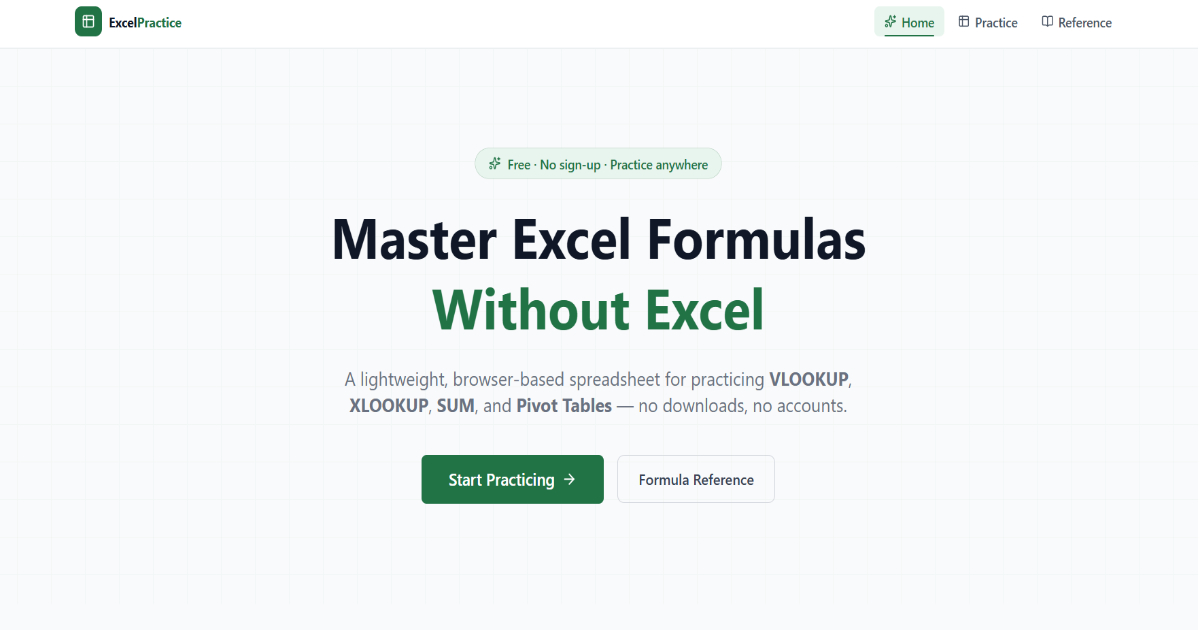
ExcelPractice is a browser-based spreadsheet for practicing Excel formulas and data workflows. Edit cells, try formulas, and explore pivot tables without installing Excel or creating an account.
- 50-row by 26-column editable spreadsheet grid
- Multiple sheets for organizing practice data
- Formula evaluation for cell references, arithmetic, and ranges
- Supported functions:
SUM,AVERAGE,COUNT,MAX,MIN,ROUND,VLOOKUP, andXLOOKUP - Pivot table configuration with row and column fields, value fields, and aggregation options
- Keyboard navigation and an interactive ribbon
- Formula reference with syntax examples
You need Node.js and npm installed.
git clone https://github.com/dwilson-coder/excelpractice.git
cd excelpractice
npm install
npm run dev
Open the local URL printed by Vite in your browser.
| Command | Description |
|---|---|
npm run dev |
Start the local development server |
npm run build |
Build the app for production |
npm run preview |
Preview the production build locally |
npm run lint |
Run Oxlint |
Enter formulas in a cell or the formula bar:
=SUM(A1:A10)
=AVERAGE(B1:B10)
=VLOOKUP("Alice", A2:D10, 3, FALSE)
=XLOOKUP("Bob", A2:A10, D2:D10, "Not Found")
The formula reference page in the app includes examples for arithmetic, aggregate functions, lookups, and pivot tables.
The Netlify CLI can create or link the site for local deployment:
npx netlify login
npx netlify init
npm run build
npx netlify deploy --no-build --dir=dist
To publish a production deploy manually, add --prod to the deploy command.
GitHub Actions runs lint and build checks on pull requests and deploys production when changes are pushed to main. Add these repository secrets under Settings → Secrets and variables → Actions:
NETLIFY_AUTH_TOKEN: a Netlify personal access tokenNETLIFY_SITE_ID: the site's API ID
React, Vite, Tailwind CSS, Zustand, and TanStack Virtual.