



Render images from a declarative YAML/dict spec — shapes, text, charts, QR/barcodes.
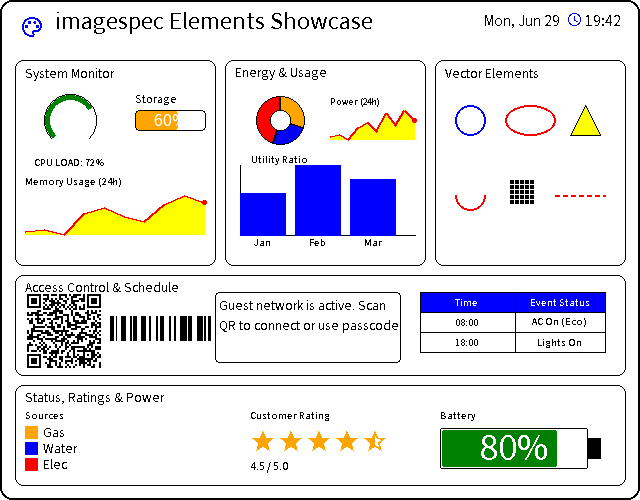
imagespec is a standalone image-rendering library with no dependency on a
specific application, framework, or device integration. Other projects can
use it as their rendering core by installing it from PyPI and supplying
host-specific resources through RenderContext (see
docs/integrating.md). It can also be used directly in
Python scripts.
from imagespec import render, validate, RenderContext, RenderError

ctx = RenderContext(
    font_resolver=my_font_lookup,  # optional
    history_provider=my_history_lookup,  # optional, only for `plot`
)

# Optional: lint the payload first — typos, unknown colours, missing required keys (with "did you mean" hints)
for issue in validate(payload):
    print(issue)  # e.g. "[2].colr: unknown key for 'text' (did you mean 'color'?)"

try:
    image = render(payload, width=296, height=128, rotate=0, background="white", context=ctx)  # -> PIL.Image (RGB)
    # render(..., strict=True) runs the same validation first and raises one RenderError listing every issue
except RenderError as err:
    print(err)  # "[1].elements[0]: <message>" when one element failed (err.path / err.message separately)
Run the smoke test (no fonts required):
pip install -e .
python examples/smoke_test.pyTip
Copy-paste examples for every element: docs/elements.md
| Preview | Element | Module | Notes |
|---|---|---|---|
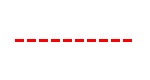 |
line |
shapes | + dashed lines |
 |
rectangle |
shapes | |
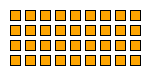 |
rectangle_pattern |
shapes | |
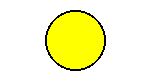 |
circle |
shapes | |
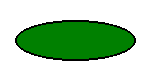 |
ellipse |
shapes | |
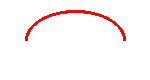 |
arc |
shapes | |
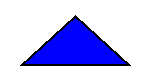 |
polygon |
shapes | |
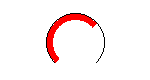 |
gauge |
shapes | |
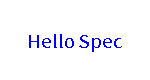 |
text |
text | + rotation, background box |
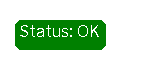 |
text_box |
text | |
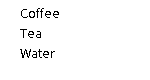 |
multiline |
text | |
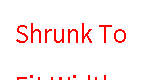 |
new_multiline |
text | fit-to-width/height autosize |
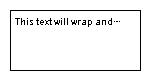 |
text_fit |
text | fit text into a fixed box: shrink font / ellipsis / wrap |
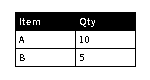 |
table |
text | |
 |
qrcode |
codes | eclevel, pixel width/height sizing |
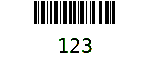 |
barcode |
codes | |
 |
datamatrix |
codes | optional dep pyStrich (imagespec[datamatrix]) |
 |
icon |
media | Material Design Icons (default) + Font Awesome Free (fa:/fas:/far:/fab:); needs bundled icons/ assets |
 |
dlimg |
media | + fit modes (stretch/fit/fill/contain) |
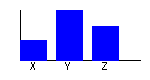 |
diagram |
charts | bar chart |
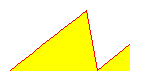 |
plot |
charts | needs history_provider; + area_fill, xlegend |
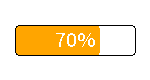 |
progress_bar |
charts | + rounded corners |
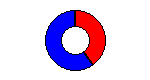 |
pie |
charts | pie / donut (inner_radius) |
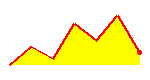 |
sparkline |
charts | compact axis-less line from inline values |
 |
rich_text |
text | inline spans: icon + text + color on one line |
 |
group |
layout | container: child elements at an offset, clipped, optionally rotated |
 |
stack / row / column |
layout | auto-layout: packs children along an axis (gap/padding/justify/align), flexbox-style, with optional Tailwind-like class shorthand |
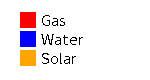 |
legend |
widgets | color-swatch ↔ label rows (vertical/horizontal) for pie/plot |
 |
star_rating |
widgets | full/half/empty stars for rating labels |
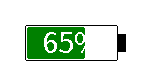 |
battery |
widgets | vector battery gauge with proportional fill |
render(..., dither=True|"atkinson"|…) dithers the whole output (15 algorithms
none; seedocs/dithering.md) and any element can carry its ownditherbool/method to override it just for itself.
Payloads are specified as a list (sequence) of dictionary elements, which can be easily authored in YAML or JSON. Each element requires a type string and varying geometric/styling attributes.
Tip
Element-by-element YAML examples: docs/elements.md
Generating payloads with an LLM? See docs/authoring.md — a
self-contained authoring guide you can paste straight into an AI's context. It
covers the output contract, the layout decision model (stack/row/column vs
group vs absolute coordinates), the Tailwind-like class shorthand, common
pitfalls (e.g. the YAML "one key per line" trap), canvas sizes, and full
worked examples — every example verified by actually rendering it.
Every element's keys, types and defaults are declared once, next to its handler
(@element("circle", fields=[num("x", required=True), ...])), and everything
else is generated from those declarations:
docs/reference.md— the full key referenceschema/elements.json— JSON Schema (draft 2020-12) for a whole payload; use it in an editor or validator to catch typos, missing required keys and bad enum values before rendering- template-string coercion (
"42"→42,"False"→False) — driven by the declared key types imagespec.validate(payload)— the same checks at runtime, without a JSON Schema library: returns[Issue(path, message), ...]such as[2].fil: unknown key for 'circle' (did you mean 'fill'?)(typos get a "did you mean" hint), tolerating template strings andnullexactly asrender()does.render(..., strict=True)runs it first and raisesRenderErrorlisting every issue.
python scripts/export_schema.py regenerates the two files; CI fails if they
drift from the declarations, and a guard test fails if a handler reads a key it
did not declare. The web payload editor in
eigger.github.io keeps its
supported subset in schema/editor_types.json.
- Colors: names (
black,white,red,green,blue,orange,yellow, any CSS name) or HEX (#FF0000,#f00); quantized to the configured palette at the end ofrender(). - Coordinates: pixels from the top-left corner
(0, 0). - Numbers and booleans also accept the string forms Home Assistant templates produce.
visible,dither,class/layoutare accepted by every element (see the reference).
imagespec can dither full-color content onto limited palettes (2-color B/W,
3-color BWR, 7-color ACeP, …). Besides flat nearest-color mapping (none), it
ships 15 dither algorithms (Floyd–Steinberg, Atkinson,
Jarvis, Stucki, Burkes, Sierra family, Stevenson–Arce, Bayer 2/4/8/16,
clustered-dot 4/8).
dither=False/"none"(default) → flat nearest colordither=True/"floyd"→ Floyd–Steinberg (backward compatible)dither="atkinson"/"bayer8"/ … → any name inDITHER_METHODS
Per-element overrides accept the same bool or method string. Full gallery,
API notes, and per-algorithm tiles: docs/dithering.md.
python examples/generate_dither_methods.py # all-method grids + tiles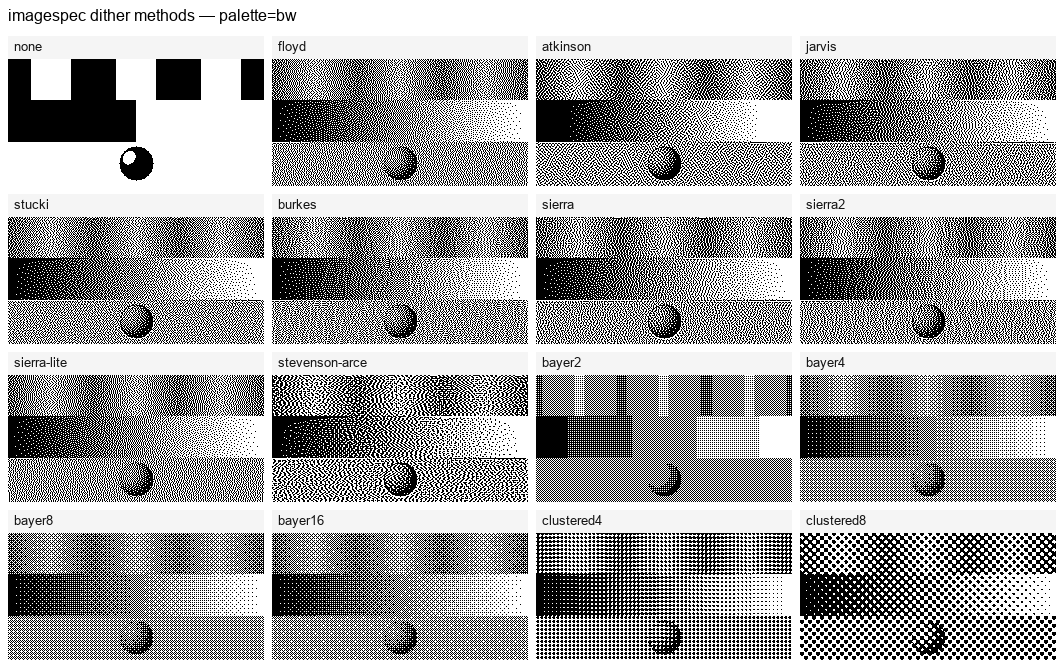
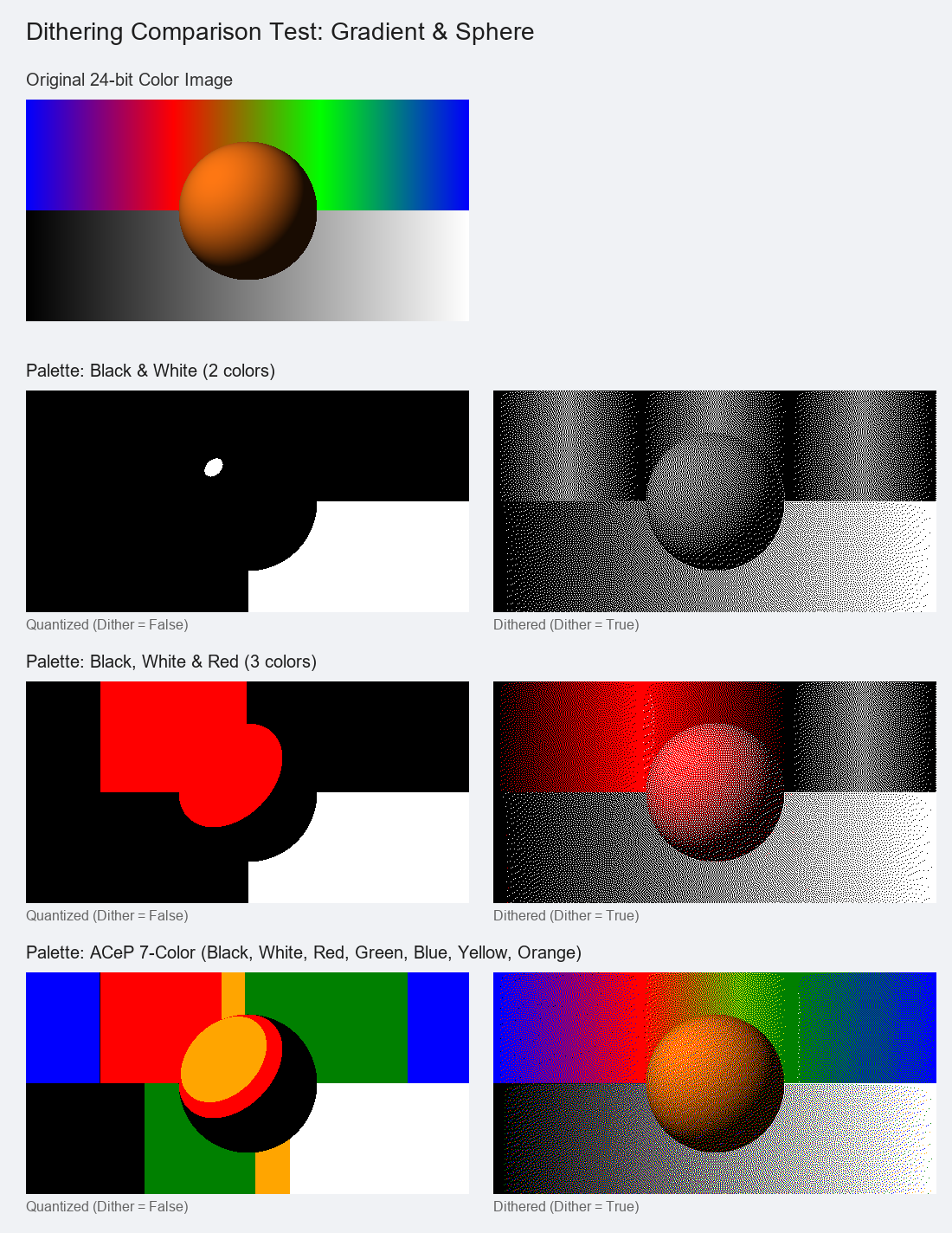
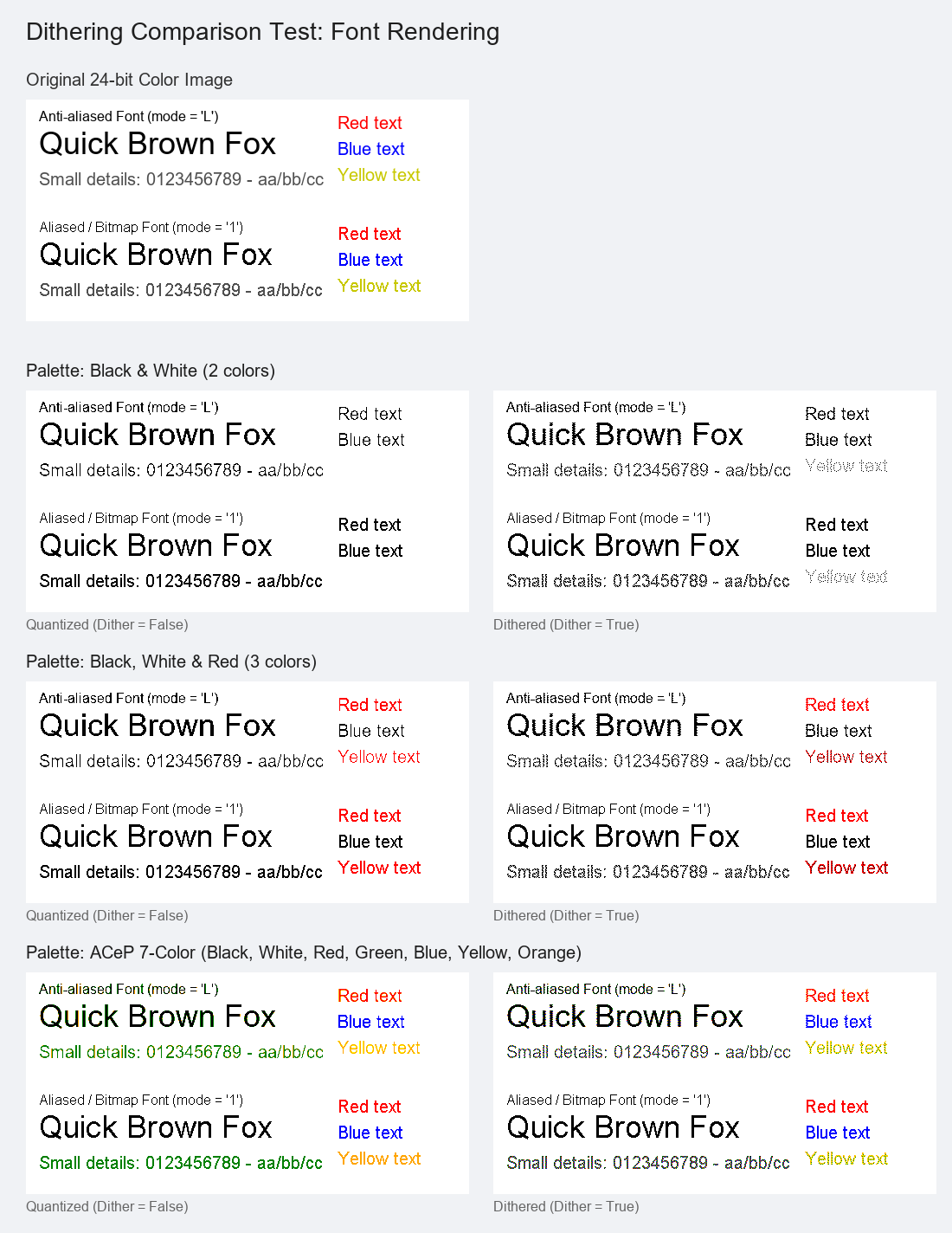
Without dithering, colors snap to the nearest palette entry and gradients band badly. Dithering trades spatial resolution for perceived depth.
Dithering creates a natural halftone pattern that simulates smooth shading and eliminates color banding.
Important
Guidelines for Text: Avoid dithering on text layers. Dithering anti-aliased font edges creates tiny dot noise, which can degrade readability in low-resolution images. For sharp text, use direct quantization or disable anti-aliasing (fontmode = "1"). The built-in text element enforces fontmode = "1" for this reason.
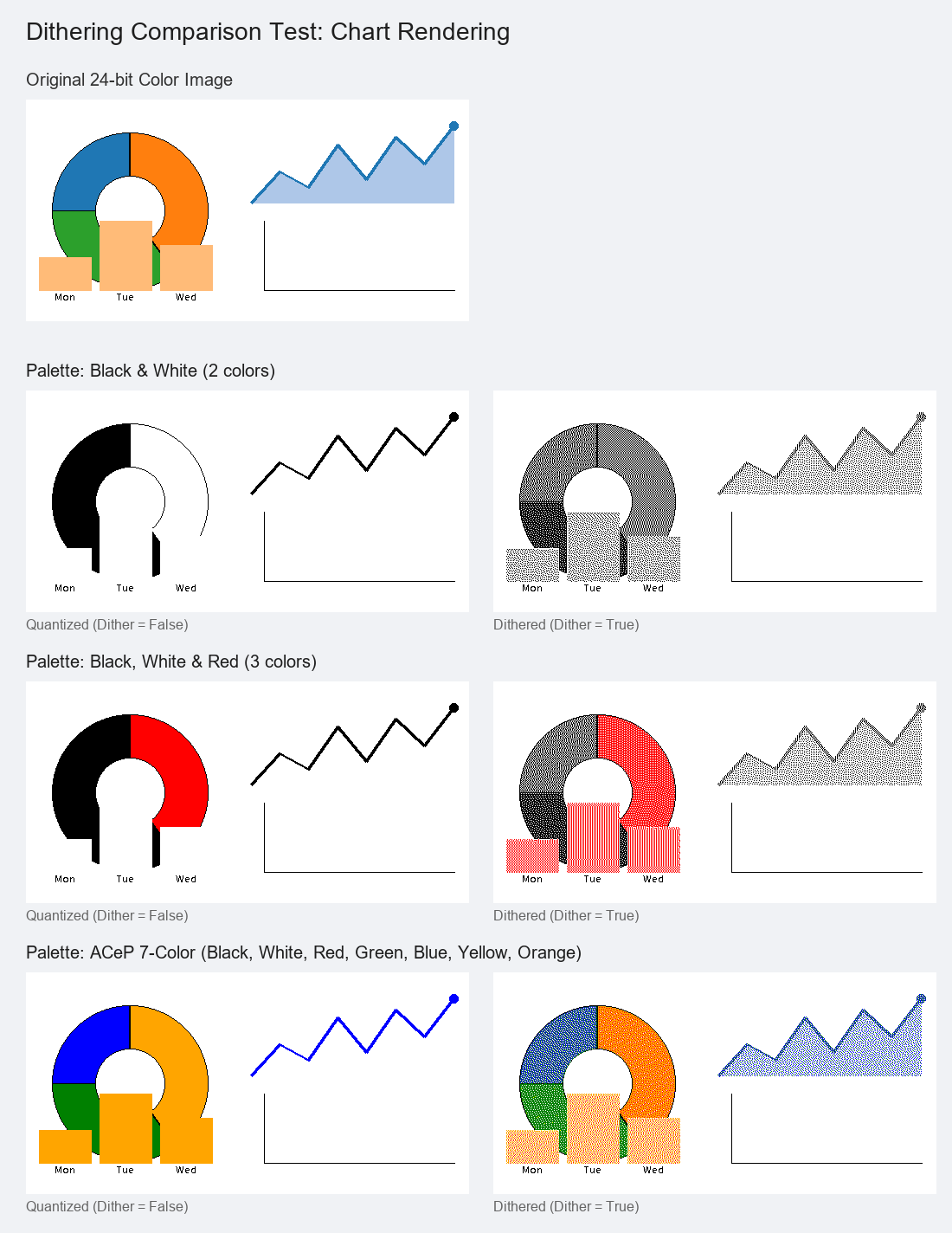
Dithering is useful when you have solid color regions (like pie slices or bar diagrams) in colors outside your configured palette (e.g. orange in a black/white image). Dithering simulates these colors with dot patterns to help distinguish segments, though it introduces some edge noise.
Every element is drawn in full color, and the whole image is mapped to
context.palette once at the end of render(). The dither flag only picks
how that single mapping happens:
dither=True/"floyd"→ Floyd–Steinberg (or pass another method name)dither=False/"none"(default) → flat nearest color
Either way the output is strictly on-palette. Because mapping is deferred, in-palette colors (e.g. black text on white) stay crisp under dithering — error diffusion spreads no error when a pixel already equals a palette color — while the text guidance above still applies to off-palette text you choose to dither.
ctx = RenderContext(palette="bw")
img = render(payload, 296, 128, dither=True, context=ctx)
img = render(payload, 296, 128, dither="atkinson", context=ctx)
# orange/green/blue pie slices -> different dot patterns, not one black blobAny element may carry its own dither: true/false/method name to override the
global flag just for itself — so you can dither only the parts that benefit
(photos, charts) and keep the rest flat (labels, QR codes), in a single render:
- type: dlimg          # this photo -> halftone
  url: "https://…/photo.png"
  xsize: 100
  ysize: 100
  dither: atkinson
- type: pie            # this chart -> ordered screen
  x: 60
  y: 60
  radius: 40
  values: "Gas,30,orange;Water,25,blue;Elec,45,red"
  dither: bayer8
- type: text           # left flat regardless of the global flag
  x: 10
  y: 110
  value: "Energy mix"
An element with an explicit dither is rendered in isolation and mapped to the
palette immediately (then composited in payload order), so its choice survives
the final whole-image pass. Elements without the key follow the global dither
argument. (QR/barcode and black text are pure palette colors, so they stay crisp
under the global flag anyway — set dither: false only for off-palette content
you want kept solid.)
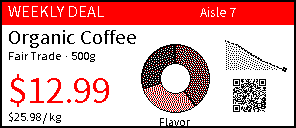
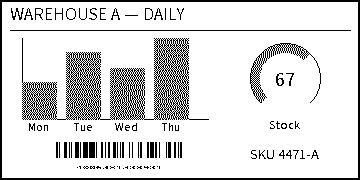
Both images below mix crisp content (text, QR, barcode) with charts authored in
off-palette colors and marked dither: true — the charts become halftones so
their segments stay distinguishable, while everything else stays sharp.
3-color palette (black / white / red):
2-color palette (black / white):
Regenerate them with:
python examples/generate_dither_labels.pyOlder Floyd-vs-none comparison boards:
python examples/compare_dither.pyBundled in the package (offline baseline, ~12 MB total):
icons/materialdesignicons-webfont.ttf+_meta.json—icon's default set (mdi:prefix, or no prefix).icons/fontawesome-free-{solid,regular,brands}.otf+ trimmed metadata —icon's second set (fa:/fas:/far:/fab:prefix).fonts/NotoSansKR-Regular.ttf— the only bundled font, and the default for every payload (RenderContext.default_font).
Anything else is resolved at runtime, in order: font_resolver (host) →
bundled font of the same basename → bundled default. Helpers in
imagespec.resolvers:
directory_resolver(dir)— look up fonts in a host directory (e.g.www/fonts).caching_resolver(cache_dir, sources)— download on first use, cache to disk, reuse offline (internet needed only once per font).google_fonts_resolver(cache_dir, families=None)— acaching_resolverpreset over verified-license Google Fonts (ofl/directory → all SIL OFL 1.1), covering scripts the bundled Noto Sans KR doesn't: Japanese, Simplified/ Traditional Chinese, Arabic, Thai, plus a broader Latin/Cyrillic/Greek family. SeeGOOGLE_FONTS_SOURCESfor the exact list.chain_resolvers(a, b, ...)— try several in order.
The package bundles only this baseline: decorative or other-script fonts are
better downloaded-and-cached (google_fonts_resolver/caching_resolver) or
served by the host (e.g. Home Assistant's www/fonts) through font_resolver.
Only fonts with a verifiable license are bundled — see Licensing & attribution
below.
-
No framework dependency. The core never imports Home Assistant. Anything host-specific is injected through
RenderContext:font_resolver(name) -> path | None— e.g. an integration'shass.config.path("www/fonts")lookup.history_provider(entity_ids, start, end) -> states— for theplotelement (HA recorder). Optional.palette— the output image's colors (see below).
-
Registry dispatch. Each element
typeis a handler registered with@element("type")inimagespec/elements/, replacing the original giantif/elifchain. Adding an element = adding a function. -
RenderState. Threaded through handlers; holds the (reassignable)imgand thepos_yflow cursor. -
Configurable palette (
RenderContext.palette). Define it as a list of colors for the output image (names, HEX, or RGBA tuples):RenderContext(palette=["black", "white", "red"]) # names RenderContext(palette=["#000000", "#ffffff", "#ff0000"]) # HEX RenderContext(palette=[(0, 0, 0), (255, 255, 255)]) # RGBA tuples
Shorthand names are optional convenience for common palettes:
"2"/"bw","3"/"bwr","4","7"/"acep". Any requested color in a payload is then quantized to the nearest color in this list — with a 2-color paletteredbecomes black; on 4-color a blue#1e90ffbecomes white; on 7-color it stays blue. Elements are drawn in full color and this mapping is applied to the whole image once at the end ofrender()(dithered or flat, perdither— see Dithering). -
Configurable rotation (
rotate_mode):"canvas": the drawing surface rotates; output stayswidth×height."image": the drawing rotates; output dimensions swap.
Build a RenderContext (palette, font lookup, history provider), call
render(), translate RenderError into the host's error type — about 60 lines.
docs/integrating.md walks through it with a Home
Assistant adapter.
pip install -e ".[dev,datamatrix]"   # dev pulls in numpy, so both dither paths are exercised
pytest                 # unit + golden-image tests: every element, palettes, rotation, dither, errors
pytest --update-golden # rewrite the golden PNGs after an intentional rendering change
ruff check . && ruff format --check .   # lint + format
mypy                   # type-check src/ (the package ships py.typed)
python -m build # build sdist + wheel (bundles fonts/icons)Every registered element is pinned by a golden-image test (the README previews below double as the goldens), alongside unit tests for palettes, rotation, dithering, template-string coercion and error handling; CI runs the suite on Python 3.13/3.14 and against the lowest supported dependency versions.
CI runs on every push/PR (.github/workflows/ci.yml): ruff lint+format, mypy, the test
suite on Python 3.13/3.14 (plus a lowest-pinned-dependencies job), and a build that asserts the bundled fonts/icons
are present in the wheel.
Releasing: add a version section to CHANGELOG.md, bump
version in pyproject.toml, update schema_version when the payload
contract changes, and merge. Then create and publish a GitHub Release for the
matching v<version> tag. The release workflow checks the tag against project
metadata before building and publishing to PyPI with trusted publishing.
The test matrix (tests/test_elements.py) asserts it covers every registered
element type, so adding a new @element(...) without a sample fails the suite —
keeping coverage exhaustive by construction.
Golden images (tests/test_golden.py) pin the actual pixels: each element
preview in examples/elements/ is re-rendered from
examples/generate_element_previews.py and compared exactly, and
tests/golden/ holds targeted scenes (every dither method, per-element dither
phase, rotation modes, less-common handler options). A rendering change that is
intended is committed by running pytest --update-golden and checking in the
PNGs; an unintended one fails CI with the pixel count and a diff image.
Text in the goldens is laid out with Pillow's BASIC engine
(RenderContext(layout_engine=...)) so the same Pillow release renders them
identically on every OS; set IMAGESPEC_GOLDEN_TOLERANCE=0.05 to allow 5 % of
pixels to differ under a different Pillow/FreeType or python-barcode release.
Robustness built in:
- Each handler error is wrapped with element context — you get
error rendering element #3 (type 'text'): ..., not a raw PIL traceback. render()validatesrotate/rotate_mode/size and rejects non-dict elements; unknown element types are warned-and-skipped. Unknown keys are ignored unless you passstrict=True(or callimagespec.validate()yourself).dlimgonly allowshttp(s)/data:URLs by default; local paths requireRenderContext(allow_local_images=True). Network failures becomeRenderError. Downloads are streamed and abort pastmax_image_bytes(20 MB default);image_cache_ttl=<seconds>reuses a fetched image across renders (off by default so camera snapshots are never served stale), andimage_fetcherlets the host supply its ownurl -> bytes.- Clear errors for missing required args, invalid barcode symbology, malformed
polygonpoints, and adiagramtoo small for its bars. - Template-friendly input: numeric keys (
x,size,progress, ...) accept strings ("42","3.5") and boolean flags (visible,show_percentage, ...) accept"False"/"off"/"0", as Home Assistant templates produce them. A non-numeric string fails with'x' must be a number, got 'oops'naming the element.
imagespec is MIT AND Apache-2.0 (see the license field in
pyproject.toml) — not pure MIT — because it's a combined work:
| Component | License | Source |
|---|---|---|
| imagespec's own code/modifications | MIT | LICENSE |
| Rendering engine origin (registry dispatch, element handlers) | Apache License 2.0 | OpenEPaperLink Home Assistant Integration — see NOTICE |
icons/materialdesignicons-webfont.ttf (+ metadata) |
Apache License 2.0 | Pictogrammers / Templarian MaterialDesign-Webfont |
icons/fontawesome-free-*.otf (+ metadata) |
SIL OFL 1.1 (fonts) / CC BY 4.0 (icons) | Font Awesome Free |
fonts/NotoSansKR-Regular.ttf |
SIL Open Font License 1.1 | Google Noto Fonts |
The engine was originally adapted from the imagegen module in
OpenEPaperLink's Home Assistant Integration
(Apache License 2.0) and has since been
substantially rewritten and extended (palette/color model, configurable
rotation, dithering, new elements, ...); NOTICE documents this per
the Apache License's redistribution terms. Full license texts ship in the
package: LICENSE-APACHE-2.0 (covers the engine origin
and the MDI font), icons/LICENSE (a co-located
copy for the icons directory), icons/LICENSE-FONTAWESOME
(Font Awesome Free — also notes brand-icon trademark restrictions), and
fonts/OFL.txt.