



CodeBlock allows to use lua code in Luanti to build anything you want
A drone you program in Lua, an in-game editor, a sandbox and a documented API. It brings its own blocks: 3930 colours as solid blocks, and 35 named colours each as a brick, a glass and a lamp. It depends only on vector3. The Codecube game bundles it with a flat world and settings made for it, which is the easiest way to try it. The Lua and block reference is at doc/api.md.
License: AGPLv3
Credits: inspired by Gnancraft, ComputerCraft, Visual Bots, TurtleMiner, basic_robot
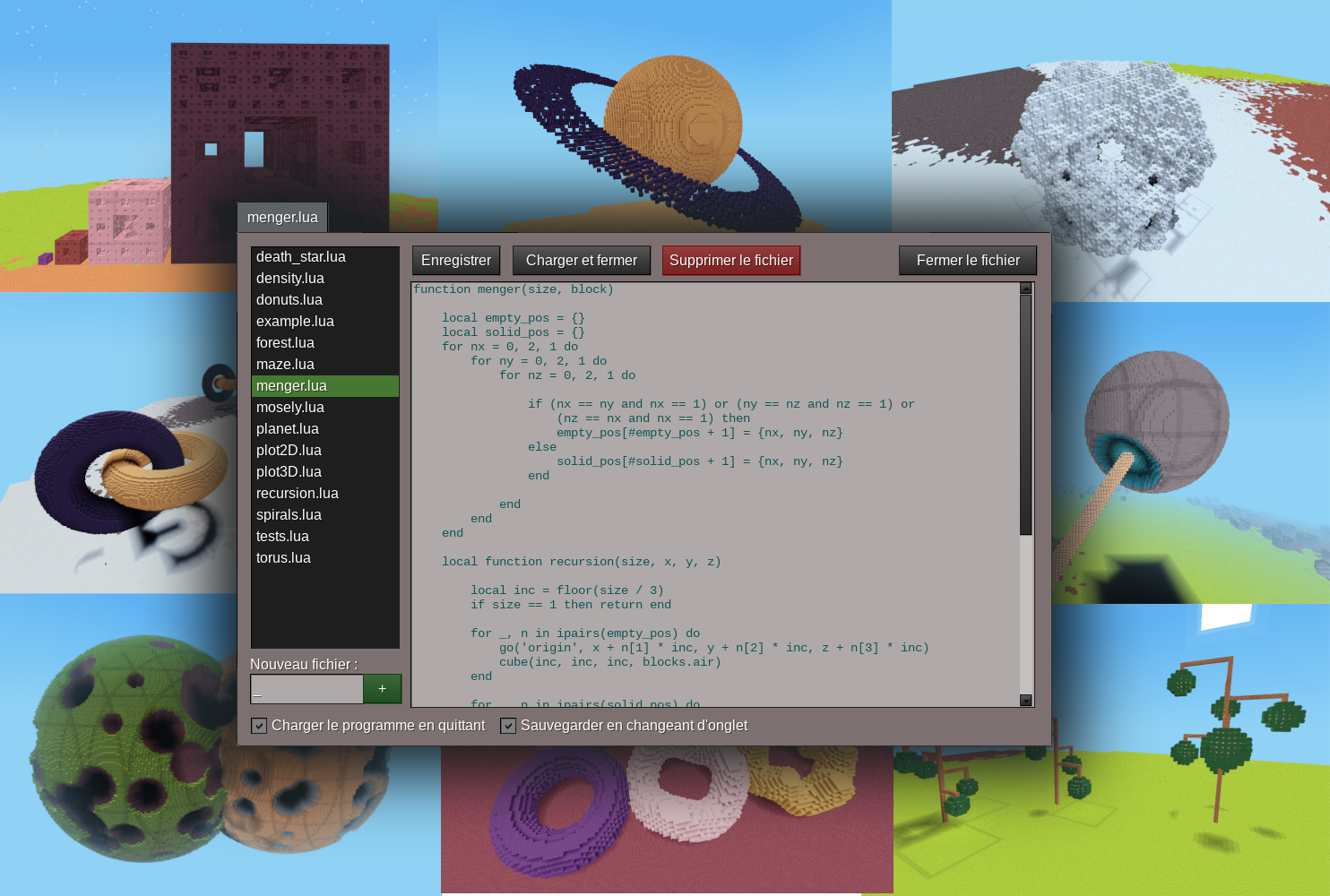
- Create an empty (flat) world, enable the
codeblockmod and its one dependencyvector3 - Enable creative mode and start the game
- Get the two drone tools: run the
/codeblock toolscommand (or use creative inventory) - Right click with
 tool on a block to place the drone, choose
 stairs.luathen left click with to start the drone
- Right click with
 tool to open the
 luaeditor - Create a new file with the
new filefield and write some code on the main window - Click
load and closeto load your code in the drone - Right click with tool on a block and run the code with a left click on
- Read the Lua API in
doc/api.mdto know which commands and blocks you can use
- While your program runs, a HUD in the top-right corner names the file, says
whether it is running or paused, and shows the limits of the drone. Untick Show the drone HUD on the editor's Settings panel to turn it
off or set
codeblock_drone_hud = falsefor the server's default. - Left click your drone with the drone setter to open its panel, whatever it is doing: every limit with what the run has spent beside it, a line saying what each one means, and buttons to pause/resume and stop the drone.
- More built-in examples are available, just open the editor and choose an example to run
- User
codelevelcan be adjusted to tweak drone performance and capacities, see permissions and chat commands
Your game can add a block category of its own. Call this from a mod that names
codeblock in its depends, at load time:
codeblock.register_blocks('wool', {
    red = 'wool:red',
    blue = 'wool:blue'
})
wool.red is then a block a player's program can place, listed in the editor
beside the mod's own bricks, glass and lamps. The keys are the names a program
spells; the values are itemstrings your game has registered.
Registrations are queued at the call and checked once every mod has loaded, so a node belonging to a mod that loads later is still accepted. A name that collides with the existing API, cannot be a table key, or names no node is logged and dropped — never raised, so a typo in your game cannot stop the server.