


Write lua code in Luanti and watch a drone build whatever you imagine
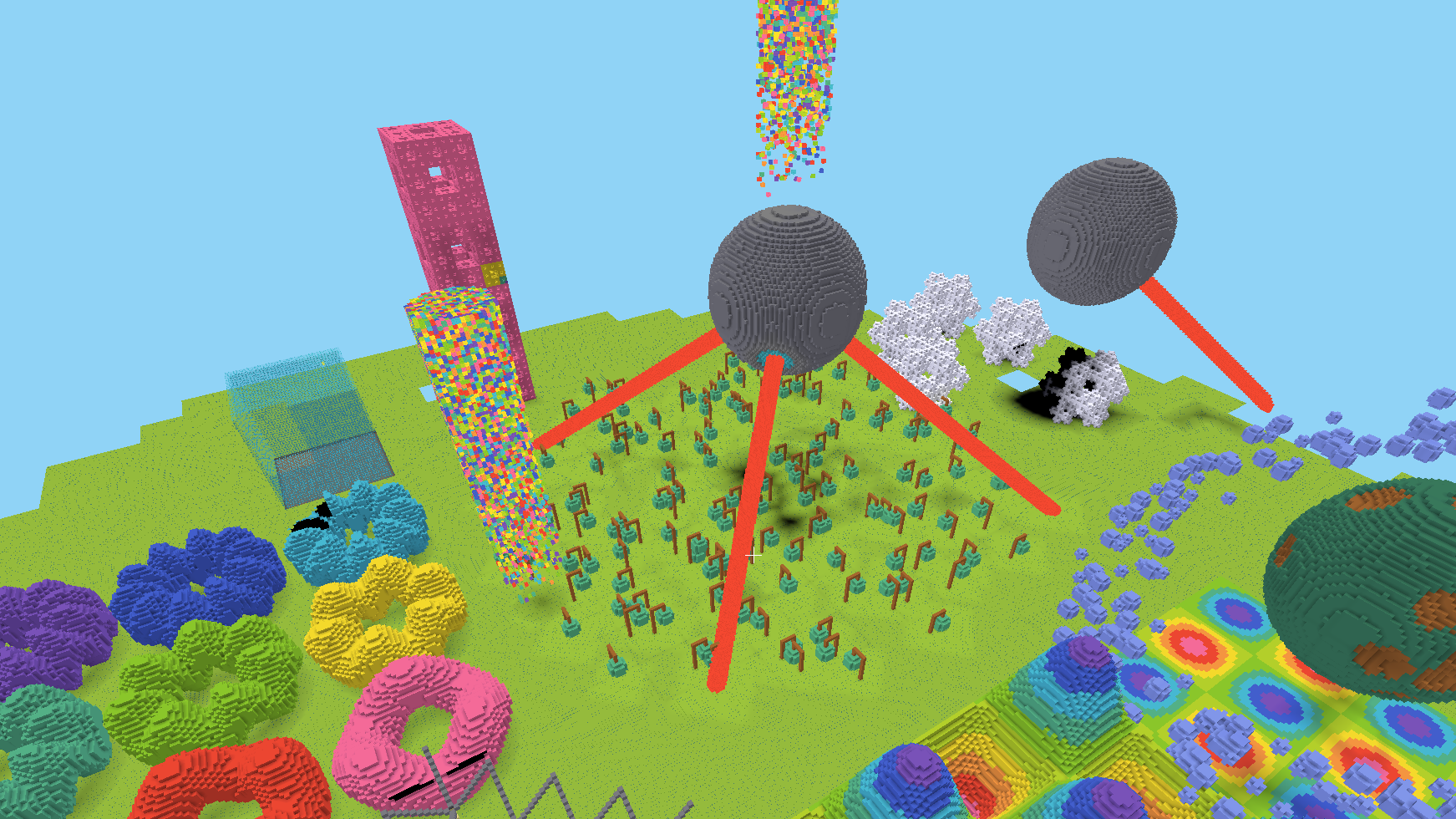
Codecube is a Luanti game built around one idea: everything you see was placed by a program. The programming itself is the CodeBlock mod, which the game bundles — a drone, an editor inside the game, a sandbox and a large API. What the game adds is somewhere worth building: a flat clean world with nothing to clear, bounded by a wall you can see through and a floor you cannot fall past, held at permanent noon, where nothing is breakable and the settings a drone wants are already set. Every panel and the hotbar are drawn in the game's own colours too, so the interface and the world read as one thing. It needs Luanti 5.9 or newer, because the floor and the wall are written on the engine's mapgen threads. The Lua and block reference is CodeBlock's, at doc/api.md.
License: code AGPL-3.0-only, media CC BY-SA 4.0 — see THIRD-PARTY-LICENSES.md
Credits: inspired by Gnancraft, ComputerCraft, Visual Bots, TurtleMiner, basic_robot
- Install the game from ContentDB and create a world — there is nothing to configure and no mod to enable
- Run the
/codeblock toolscommand to be given the two drone tools - Right click with
 tool on a block to place the drone, choose
 stairs.luathen left click with to start the drone
- Right click with
 tool to open the
 luaeditor - Type a name in the
New file:field and click+beside it, then write some code in the main window - Click
Load and closeto load your code in the drone - Right click with tool on a block and run the code with a left click on
- Read the Lua API to know which commands and blocks you can use
- More built-in examples are available, just open the editor and choose an example to run
- The world's size is one setting,
mapgen_limit, under Content: Games → Codecube in the main menu. It bounds every axis, so raising it gives you a wider world and a higher ceiling; at the default of 4096 the wall stands at -4032 and 4047, a field 8080 nodes on a side rather than 8192, because only whole mapchunks inside the limit are generated - User
codelevelcan be adjusted to tweak drone performance and capacities, see permissions and chat commands