
Drop-in authentication, checkout and error handling for React apps built on Hypery. Sign users in with OAuth 2.0 + PKCE, call AI models on their behalf, charge them (one-off purchases, credit top-ups, subscriptions) and resolve billing/auth errors with ready-made UI.
| Light | Dark | |
|---|---|---|
AuthModal |
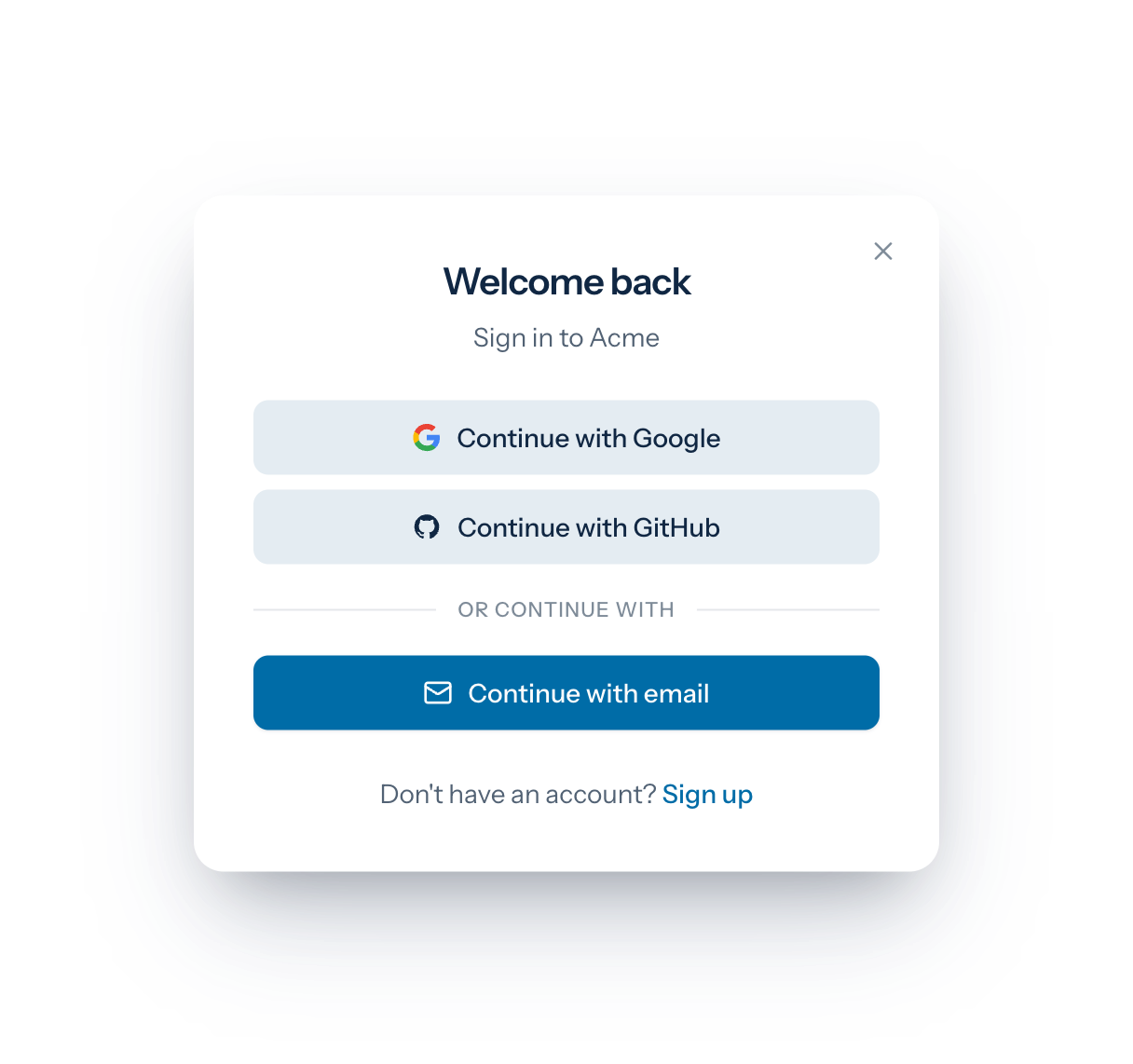 |
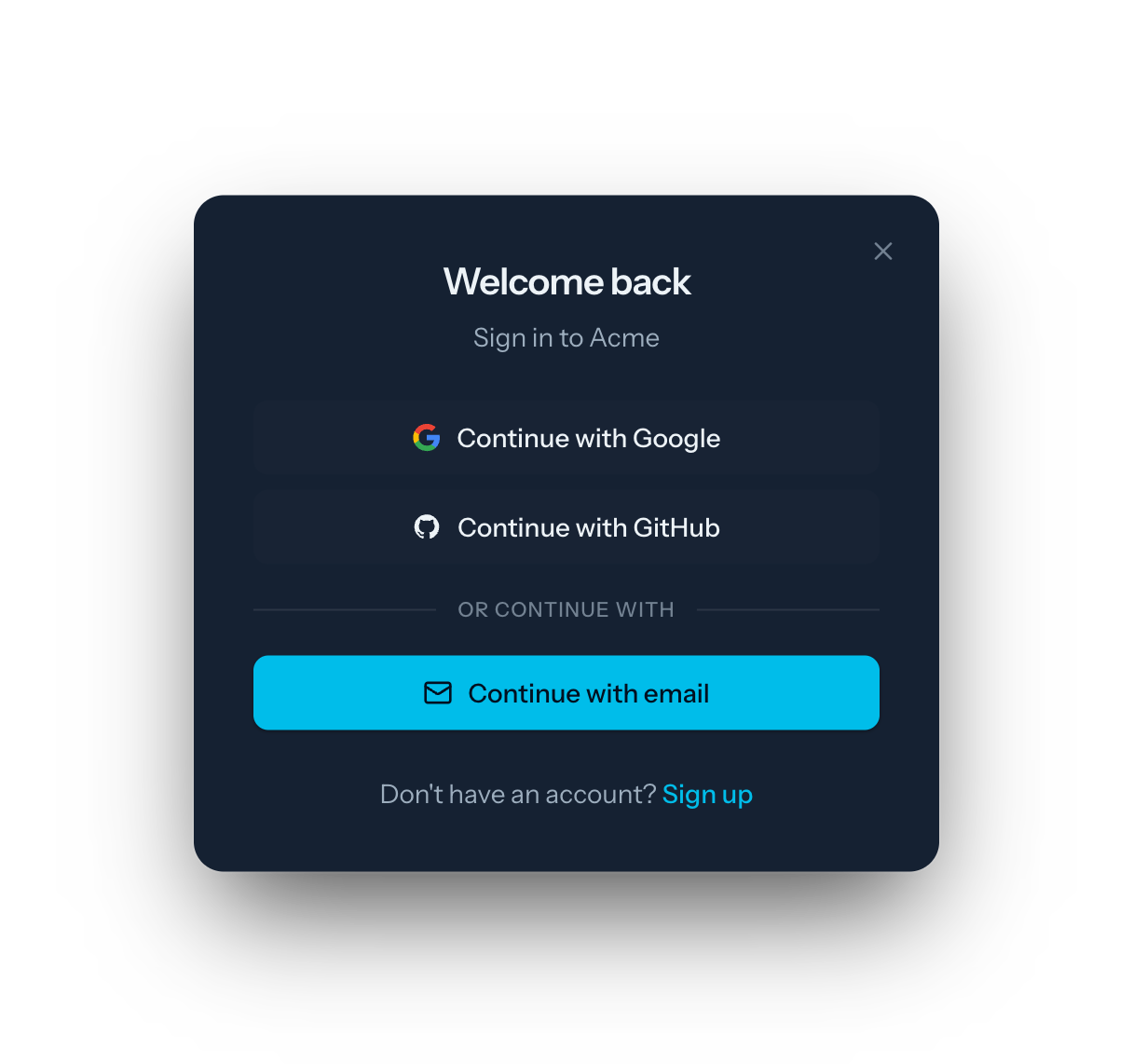 |
SignInForm |
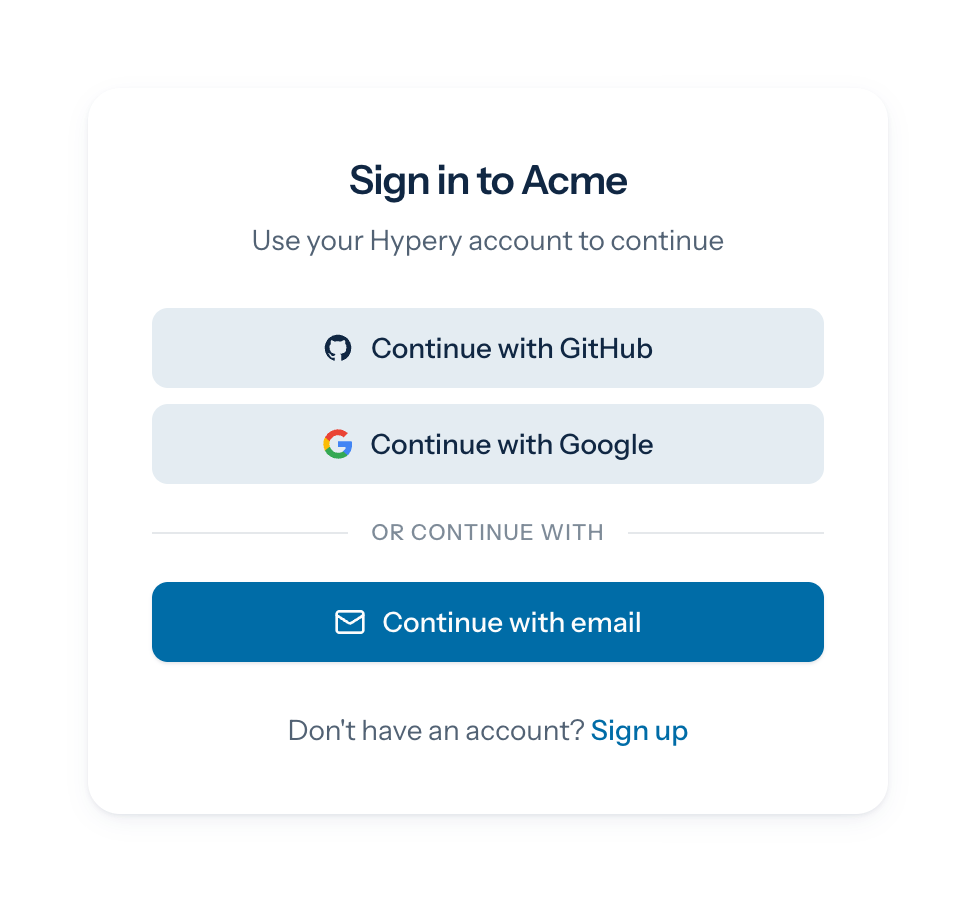 |
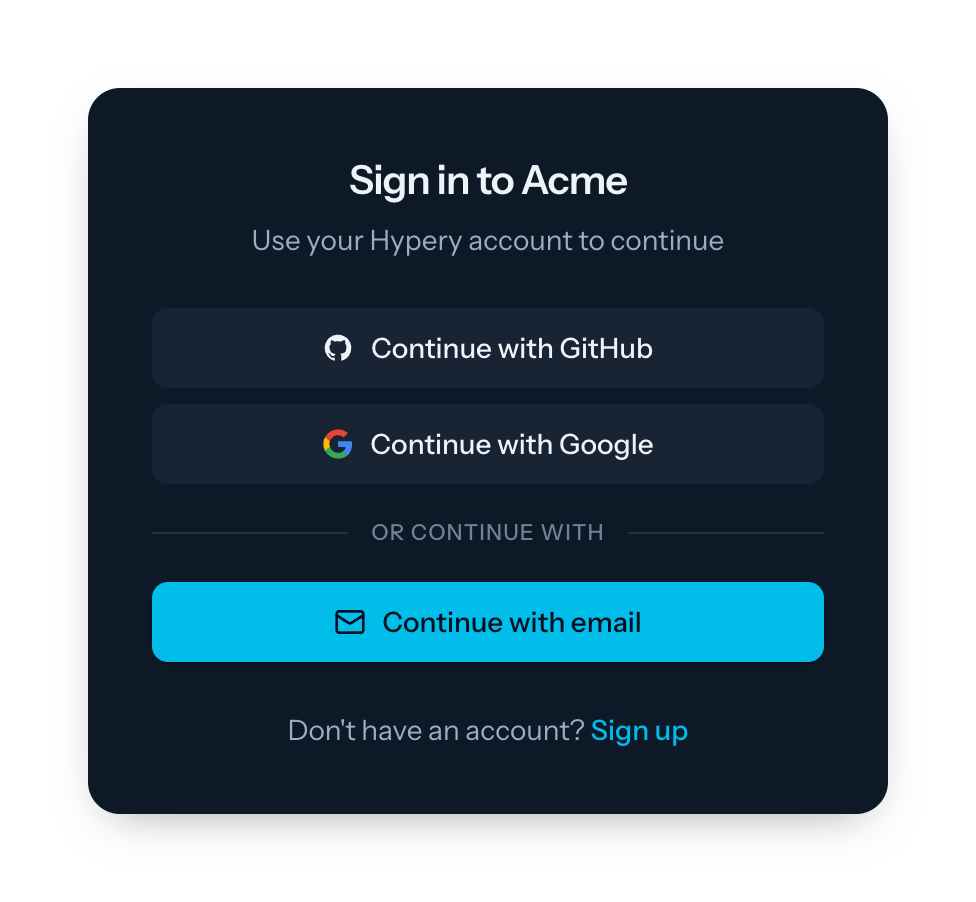 |
More in the component gallery.
npm install @hyperyai/sdkPeer dependencies: react and react-dom 18 or 19. The package ships compiled
JavaScript with type declarations (plus the TypeScript source under src/ for
reference), so no transpilePackages or build configuration is needed.
The components ship their own stylesheet: import @hyperyai/sdk/styles.css once
(see Styling); your app doesn't need Tailwind.
import { HyperyProvider, HyperyModals } from '@hyperyai/sdk';

const config = {
  clientId: process.env.NEXT_PUBLIC_OAUTH_CLIENT_ID!,
  redirectUri: process.env.NEXT_PUBLIC_REDIRECT_URI!, // e.g. http://localhost:3000/callback
  gatewayUrl: 'https://hypery.ai',
};

export default function RootLayout({ children }: { children: React.ReactNode }) {
  return (
    <HyperyProvider config={config}>
      {children}
      <HyperyModals /> {/* auto-opens funds / re-auth modals */}
    </HyperyProvider>
  );
}import { SignedIn, SignedOut, SignIn, UserButton } from '@hyperyai/sdk';
export function Header() {
return (
<header>
<SignedIn><UserButton showUserInfo /></SignedIn>
<SignedOut><SignIn /></SignedOut>
</header>
);
}import { useAuth, useUser } from '@hyperyai/sdk';
function Dashboard() {
const { user } = useUser();
const { authenticatedFetch, gatewayUrl, logout } = useAuth();
const ask = async () => {
// Bearer token injected; 401 refreshes once; 402/429 opens <HyperyModals>
const res = await authenticatedFetch(`${gatewayUrl}/api/v1/chat/completions`, {
method: 'POST',
headers: { 'Content-Type': 'application/json' },
body: JSON.stringify({ model: 'openai/gpt-4o-mini', messages: [{ role: 'user', content: 'Hi' }] }),
});
return res.json();
};
return (
<div>
<p>Welcome, {user?.name}</p>
<button onClick={ask}>Ask</button>
<button onClick={logout}>Sign out</button>
</div>
);
}import { BuyButton, SubscribeButton } from '@hyperyai/sdk';
<BuyButton appId="app_123" amountCents={499} description="Pro upgrade" />
<SubscribeButton planId="plan_123" priceCents={999} interval="month" />Add billing:charge to config.scopes for checkout.
The UI components ship their own stylesheet. Import it once, at your app's root:
import '@hyperyai/sdk/styles.css';It is built with Tailwind 4, but your app doesn't need Tailwind (or any particular version of it): every class is
prefixed hy:, there is no global reset, and only elements inside a component's .hypery root are styled.
Theming. Components read Hypery's design tokens as --hy-* CSS variables. Override any of them to brand:
.hypery {
  --hy-primary: oklch(0.55 0.2 290);   /* buttons, links, focus ring */
  --hy-primary-foreground: white;
  --hy-ring: oklch(0.55 0.2 290);
  --hy-radius: 0.75rem;
}
branding.primaryColor on AuthModal, ModernAuthForm, AuthButton, BuyButton and SubscribeButton sets
--hy-primary for that component only. The full token list is at the top of src/styles.css.
Dark mode. Components switch to the dark tokens under a .dark ancestor (the class strategy used by
next-themes and Tailwind), on .hypery.dark, or from the OS preference. If your app has its own light/dark switch,
put class="light" (or data-theme="light") on <html> in light mode so the OS preference doesn't override it.
@hyperyai/sdk/testing exports HyperyTestProvider, which supplies the same context as
HyperyProvider with a static value, so components and hooks render without a gateway:
import { HyperyTestProvider } from '@hyperyai/sdk/testing';

// signed in
<HyperyTestProvider user={{ id: 'u_1', name: 'Ada Lovelace', email: 'ada@example.com' }}>
  <UserButton showUserInfo />
</HyperyTestProvider>

// signed out (the default), with a spy
<HyperyTestProvider login={async () => { calls++; }}>
  <SignIn />
</HyperyTestProvider>
Every field of useHyperyAuth() can be passed as a prop; methods default to no-ops that resolve. The
screenshots in these docs are rendered this way.
| Guide | Covers |
|---|---|
| Provider and configuration | HyperyProvider, every HyperyAuthConfig option (scopes, storage, interactionMode, onUnauthorized, onRestricted), BrandingConfig, the context value |
| Components | SignIn, SignUp, SignInForm, AuthButton, AuthModal, ModernAuthForm, UserButton, UserProfile, WorkspaceSwitcher, SignedIn, SignedOut, RedirectToSignIn, Protect (with screenshots) |
| Hooks | useAuth, useHyperyAuth, useUser, useMemberships, useActiveWorkspace, setActiveWorkspace, useWallet, useBuyerWallet, useError |
| Checkout | BuyButton, SubscribeButton, useCheckout, useMarketplace, useAppSubscription, planPriceCents, popup vs redirect, annual billing |
| Errors | Error codes, parseError and the is*Error guards, formatTimeUntilReset, HyperyModals, RestrictionModal, SpendingLimitAlert, InsufficientCreditsAlert, ErrorBoundary |
| Streaming | consumeSSEStream, parseSSEFrame, parseSSEError |
| Advanced | TokenStorage, getAuthorizationUrl, exchangeCodeForToken, refreshAccessToken, getUserInfo |
| Agents | @hyperyai/sdk/agents: the agent loop, agents the main agent can message / resume / stop, plan → build → review, sessions that survive reloads, the Hypery model call, stores (browser, Node, Dune) |
| Type reference | Every exported type, grouped |
- Auth: OAuth 2.0 + PKCE, redirect or popup login, single-flight token refresh, configurable token storage.
- Workspaces: list teams/workspaces and switch the active one (
WorkspaceSwitcher). - AI credits: mode-aware wallet (
useWallet) with 1-click top-ups and card setup. - Checkout: log in, charge, add a card and retry in one call, as popups or redirects (
useCheckout). - Subscriptions: sell your app's plans with monthly or annual billing and expiring app-scoped credit grants (
useAppSubscription). - Errors: one classified
ParsedErrorfor HTTP and streaming failures, plus turnkey modals. - Agents (
@hyperyai/sdk/agents): one agent core for every app — agents you can talk to, a supervisor loop that checks its own work, and sessions that survive reloads.
To develop @hyperyai/sdk alongside a consuming app, use
yalc (npm link duplicates React and breaks hooks):
# in hypery-sdk
npm i -g yalc
yalc publish            # builds via prepack and stores the real pack output
# in your app
yalc add @hyperyai/sdk && npm install

# iterate: rebuild + push updates into consumers
yalc push               # in hypery-sdk, after changes

# before committing your app
yalc remove --all && npm install
Checks: npx tsc --noEmit, npm run build, bun test src. The test suite
includes a guard that fails when a public export is not documented in docs/*.md.
Working apps live in hypery-examples. Agent examples that run
offline (or against Hypery with HYPERY_TOKEN) are in examples/agents.
MIT