
wakeci is an automation tool which helps to execute repetitive tasks
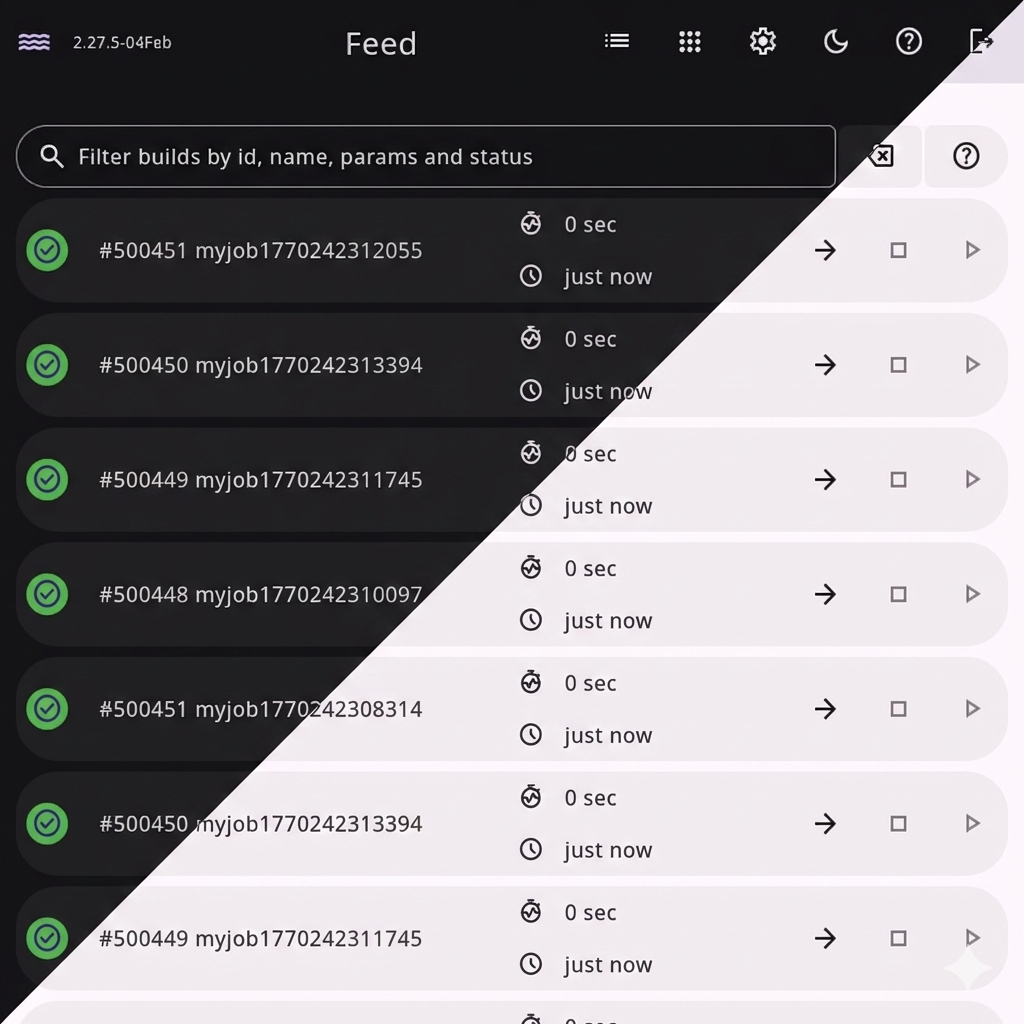
- simple job configuration using YAML files with Ansible inspired syntax
- easy to install - just download a binary file from Releases
- automatic Let's Encrypt SSL certificates
- parameterized builds, artifacts, intervals and timeouts - see job configuration example below
- no plugins, no extensive configuration - focus on your project instead!
See full description here
desc: Build and release wake application
params:
    - VERSION: master

tasks:
    - name: Clone repository
      run: git clone git@github.com:jsnjack/wakeci.git --recursive

    - name: Checkout version
      run: sh ${WAKE_CONFIG_DIR}utils/checkout.sh wakeci ${VERSION}

    - name: Install npm dependencies
      run: cd wakeci/src/frontend && npm install

    - name: Build application
      run: cd wakeci && make build

    - name: Create a release on github
      run: python ${WAKE_CONFIG_DIR}utils/release_on_github.py -f wakeci/bin/wakeci -r jsnjack/wakeci -t "v`cd wakeci && monova`"

timeout: 10m

on_failed:
    - name: Send notification to Slack
      run: >-
          python ${WAKE_CONFIG_DIR}utils/notify_slack.py
          -t "Job ${WAKE_JOB_NAME} has failed <${WAKE_URL}build/${WAKE_BUILD_ID}|#${WAKE_BUILD_ID}>"
          -k error

on_finished:
    - name: Send notification to Slack
      run: >-
          python ${WAKE_CONFIG_DIR}utils/notify_slack.py
          -t "New wake version `cd wakeci && monova` <${WAKE_URL}build/${WAKE_BUILD_ID}|#${WAKE_BUILD_ID}>"
-k okUsage of ./bin/wakeci:
-V Print the version and exit (shorthand).
-compactdb
Reclaim space in the database which is no longer used
-config string
Configuration file location (default "Wakefile.yaml")
-version
Print the version and exit.
# Port to start the server on (default "8081")
port: 8081
# Hostname for autocert (active only when port is 443) and the default
# single sign-on URLs
hostname: ""
# Working directory (default ".wakeci/")
workdir: ./wakeci
# Configuration directory - all your job files (default "./"). Every .yaml file
# in it can be opened as a job, so keep this file and the secrets file outside it
jobdir: ./jobs
# Path to the file with secrets
secretsfile: ./secrets.yaml
# Scheduled jobs (via `interval` field) will use this timezone, if not specified
# in the job configuration
timezone: Europe/Amsterdam
# Optional single sign-on through a SAML identity provider such as Google
# Workspace, next to the password. See "Single sign-on" below.
sso:
  # Metadata file downloaded from the identity provider. Keep it outside jobdir
  idpmetadata: ./GoogleIDPMetadata.xml
  # Comma-separated groups allowed to log in, as named in the "groups" attribute
  groups: Developers, Ops
  # Where the identity provider posts the response.
  # Defaults to https://<hostname>/auth/sso/acs
  acsurl: ""
  # Identifies wakeci to the identity provider. Defaults to https://<hostname>
  entityid: ""
To set it up with Google Workspace, add a custom SAML app in the Google Admin console (Apps, Web and mobile apps, Add app, Add custom SAML app):
- Download the IdP metadata and point
sso.idpmetadataat the file. - Service provider details: ACS URL
https://<hostname>/auth/sso/acs, Entity IDhttps://<hostname>, Name ID formatEMAIL, Name IDBasic Information > Primary email. - Attribute mapping: under "Group membership", pick the groups and set the app
attribute to
groups. List the same group names insso.groups. - User access: turn the app on for those groups.
Only accounts of your own Workspace can sign in to a custom SAML app, and of
those only members of a group in sso.groups can log in; a rejected login
logs the groups wakeci received. Opening wakeci from the Google apps menu
starts a normal login. SSO sessions last 12 hours, password sessions 5 days.
API calls keep using Basic auth with the password.
Serve wakeci over HTTPS, or on localhost: Google posts the response from
another site, which browsers only allow with a Secure login cookie. When
Google renews its certificate, download the metadata again and restart wakeci.
Default password is
admin. Don't forget to immediately change it!
See full description here
Requires golang 1.18+
go get golang.org/dl/go1.18.2
/home/$USER/go/bin/go1.18.2 download
# Manage different versions with `alternatives`
sudo alternatives --install /usr/bin/go go /home/$USERNAME/go/bin/go1.18.2 10
# Switch between different go versions
sudo alternatives --config go
Golang downloads page https://golang.org/dl/
sudo dnf install entr
go install github.com/swaggo/swag/cmd/swag@latest

# cd src/frontend
npm install# frontend
make runf
# backend
make runbnpm outdated --json | jq -r 'keys[]' | xargs -I % npm i %@latest --saveGOWORK=off go-mod-upgrade