Skip to content

Latest commit


History

2 Commits

Folders and files

NameName
Last commit message
Last commit date


Repository files navigation

Hyper Dash

A vibrant, dark Hyper theme inspired by Atom's dash-ui theme.
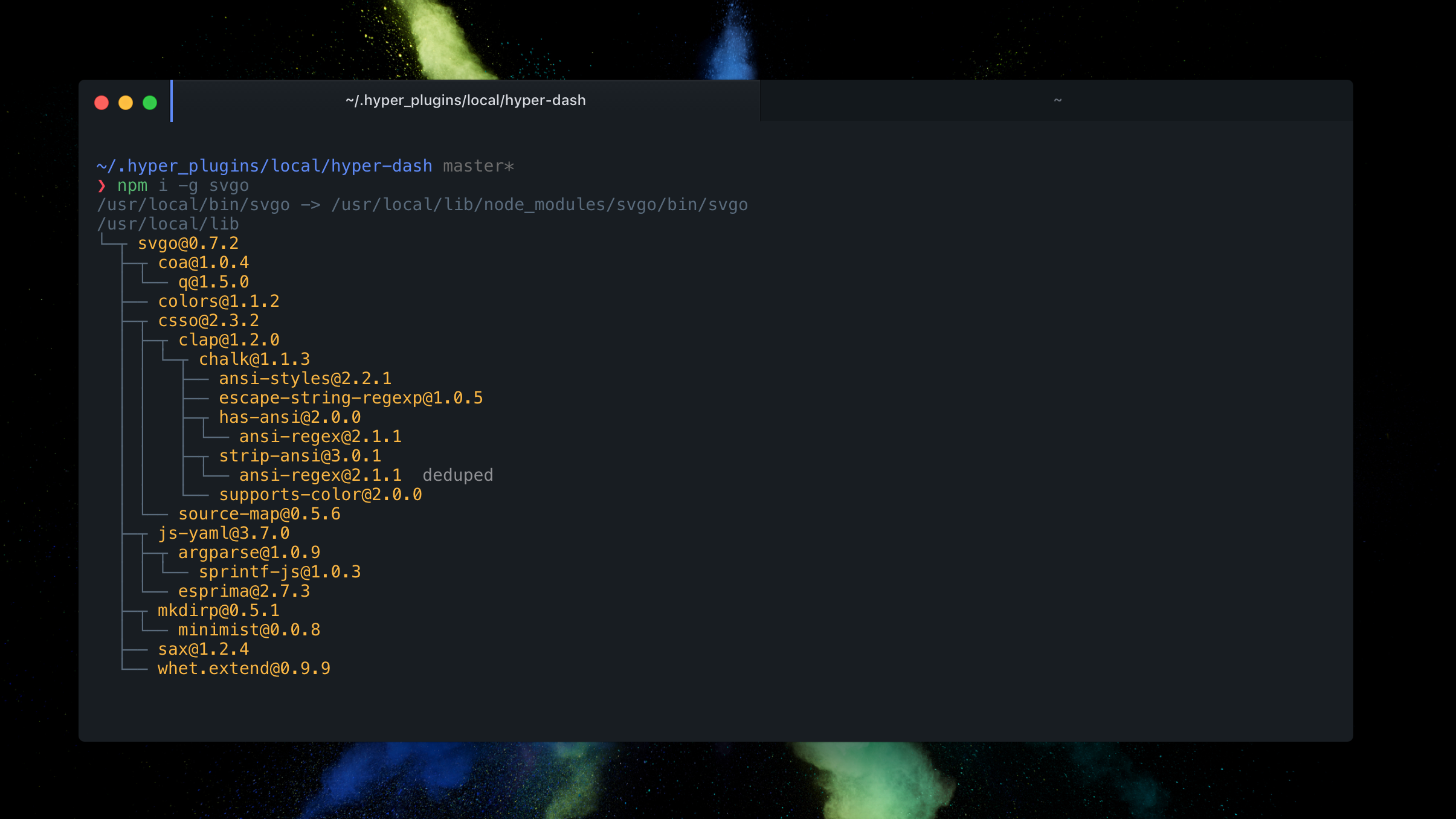

Screenshot

Installation

  1. Open Hyper's preferences with Cmd + , (or manually at ~/.hyper.js).

  2. Update your list of plugins to include hyper-dash, like this:

    plugins: [
      'hyper-dash'
    ]
  3. Fully reload Hyper (Cmd + Shift + R)

  4. Profit!

Related

Credits 🙇

License

MIT @ Justin Licata

About

A vibrant, dark Hyper theme

Topics

Resources

Stars

3 stars

Watchers

1 watching

Forks

Releases

Packages

Used by

Contributors

Languages