
This repository is a customized derivative work based on the open-source project RustDesk (official upstream repository). All original copyright notices, license texts and author attributions of the upstream project are fully retained in this repository and its source files.
本仓库是基于开源项目 RustDesk(官方上游仓库)的定制修改衍生作品。上游项目的全部原始版权声明、许可证文本及作者署名均完整保留于本仓库及其源码文件中。
- Upstream Project / 上游项目: https://github.com/rustdesk/rustdesk
- Upstream License / 上游许可证: GNU Affero General Public License v3.0 (AGPL-3.0)
- Derivative License / 衍生作品许可证: This derivative work is licensed under AGPL-3.0 as well. 本衍生作品同样遵循 AGPL-3.0 协议。
This customized version is based on RustDesk 1.4.1.83 and includes the following modifications:
本定制版本基于 RustDesk 1.4.1.83,主要修改包括:
- Full-screen display / 全屏显示
- Toolbar collapse / 工具栏折叠
- Adaptive window scaling / 窗口自适应缩放
- Hide window after connection / 连接后隐藏窗口
This project is a standalone application that invokes RustDesk only as an external process. If you use this software to provide services to end users over a network, please comply with the AGPL-3.0 terms: you have the right to obtain the complete modified source code as published in this repository.
本项目作为独立程序,仅通过外部进程调用 RustDesk。若您通过网络向终端用户提供本软件服务,请遵守 AGPL-3.0 协议条款:您有权获取本仓库发布的完整修改版源代码。
For the full license text, please refer to the LICENSE file in this repository. 完整许可证文本请参见本仓库 LICENSE 文件。

Build •
Docker •
Structure •
Snapshot
[Українська] | [česky] | [中文] | [Magyar] | [Español] | [فارسی] | [Français] | [Deutsch] | [Polski] | [Indonesian] | [Suomi] | [മലയാളം] | [日本語] | [Nederlands] | [Italiano] | [Русский] | [Português (Brasil)] | [Esperanto] | [한국어] | [العربي] | [Tiếng Việt] | [Dansk] | [Ελληνικά] | [Türkçe] | [Norsk]
We need your help to translate this README, RustDesk UI and RustDesk Doc to your native language
Caution
Misuse Disclaimer:
The developers of RustDesk do not condone or support any unethical or illegal use of this software. Misuse, such as unauthorized access, control or invasion of privacy, is strictly against our guidelines. The authors are not responsible for any misuse of the application.
Chat with us: Discord | Twitter | Reddit | YouTube

Yet another remote desktop solution, written in Rust. Works out of the box with no configuration required. You have full control of your data, with no concerns about security. You can use our rendezvous/relay server, set up your own, or write your own rendezvous/relay server.
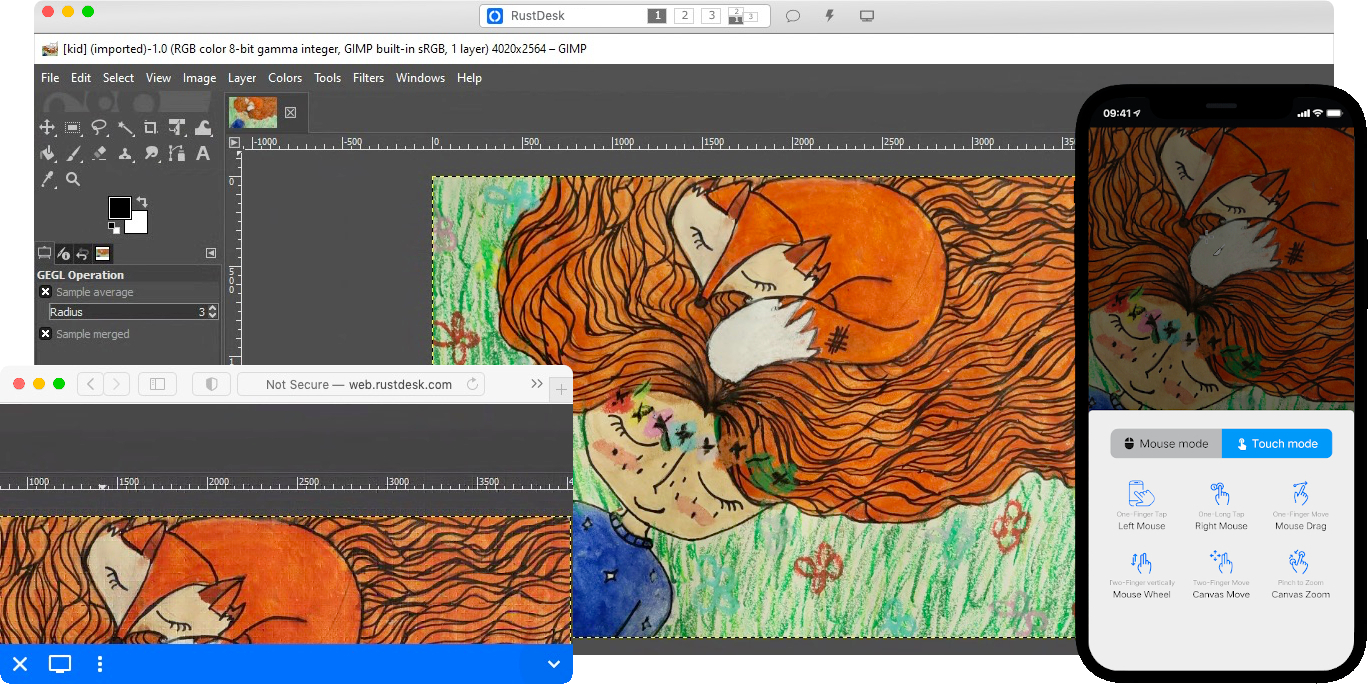
RustDesk welcomes contribution from everyone. See CONTRIBUTING.md for help getting started.

Desktop versions use Flutter or Sciter (deprecated) for GUI, this tutorial is for Sciter only, since it is easier and more friendly to start. Check out our CI for building Flutter version.
Please download Sciter dynamic library yourself.
-
Prepare your Rust development env and C++ build env
-
Install vcpkg, and set
VCPKG_ROOTenv variable correctly- Windows: vcpkg install libvpx:x64-windows-static libyuv:x64-windows-static opus:x64-windows-static aom:x64-windows-static
- Linux/macOS: vcpkg install libvpx libyuv opus aom
-
run
cargo run
sudo apt install -y zip g++ gcc git curl wget nasm yasm libgtk-3-dev clang libxcb-randr0-dev libxdo-dev \
        libxfixes-dev libxcb-shape0-dev libxcb-xfixes0-dev libasound2-dev libpulse-dev cmake make \
libclang-dev ninja-build libgstreamer1.0-dev libgstreamer-plugins-base1.0-dev libpam0g-devsudo zypper install gcc-c++ git curl wget nasm yasm gcc gtk3-devel clang libxcb-devel libXfixes-devel cmake alsa-lib-devel gstreamer-devel gstreamer-plugins-base-devel xdotool-devel pam-develsudo yum -y install gcc-c++ git curl wget nasm yasm gcc gtk3-devel clang libxcb-devel libxdo-devel libXfixes-devel pulseaudio-libs-devel cmake alsa-lib-devel gstreamer1-devel gstreamer1-plugins-base-devel pam-develsudo pacman -Syu --needed unzip git cmake gcc curl wget yasm nasm zip make pkg-config clang gtk3 xdotool libxcb libxfixes alsa-lib pipewiregit clone https://github.com/microsoft/vcpkg
cd vcpkg
git checkout 2023.04.15
cd ..
vcpkg/bootstrap-vcpkg.sh
export VCPKG_ROOT=$HOME/vcpkg
vcpkg/vcpkg install libvpx libyuv opus aomcd vcpkg/buildtrees/libvpx/src
cd *
./configure
sed -i 's/CFLAGS+=-I/CFLAGS+=-fPIC -I/g' Makefile
sed -i 's/CXXFLAGS+=-I/CXXFLAGS+=-fPIC -I/g' Makefile
make
cp libvpx.a $HOME/vcpkg/installed/x64-linux/lib/
cdcurl --proto '=https' --tlsv1.2 -sSf https://sh.rustup.rs | sh
source $HOME/.cargo/env
git clone --recurse-submodules https://github.com/rustdesk/rustdesk
cd rustdesk
mkdir -p target/debug
wget https://raw.githubusercontent.com/c-smile/sciter-sdk/master/bin.lnx/x64/libsciter-gtk.so
mv libsciter-gtk.so target/debug
VCPKG_ROOT=$HOME/vcpkg cargo runBegin by cloning the repository and building the Docker container:
git clone https://github.com/rustdesk/rustdesk
cd rustdesk
git submodule update --init --recursive
docker build -t "rustdesk-builder" .
Then, each time you need to build the application, run the following command:
docker run --rm -it -v $PWD:/home/user/rustdesk -v rustdesk-git-cache:/home/user/.cargo/git -v rustdesk-registry-cache:/home/user/.cargo/registry -e PUID="$(id -u)" -e PGID="$(id -g)" rustdesk-builderNote that the first build may take longer before dependencies are cached, subsequent builds will be faster. Additionally, if you need to specify different arguments to the build command, you may do so at the end of the command in the <OPTIONAL-ARGS> position. For instance, if you wanted to build an optimized release version, you would run the command above followed by --release. The resulting executable will be available in the target folder on your system, and can be run with:
target/debug/rustdeskOr, if you're running a release executable:
target/release/rustdeskPlease ensure that you run these commands from the root of the RustDesk repository, or the application may not find the required resources. Also note that other cargo subcommands such as install or run are not currently supported via this method as they would install or run the program inside the container instead of the host.
- libs/hbb_common: video codec, config, tcp/udp wrapper, protobuf, fs functions for file transfer, and some other utility functions
- libs/scrap: screen capture
- libs/enigo: platform specific keyboard/mouse control
- libs/clipboard: file copy and paste implementation for Windows, Linux, macOS.
- src/ui: obsolete Sciter UI (deprecated)
- src/server: audio/clipboard/input/video services, and network connections
- src/client.rs: start a peer connection
- src/rendezvous_mediator.rs: Communicate with rustdesk-server, wait for remote direct (TCP hole punching) or relayed connection
- src/platform: platform specific code
- flutter: Flutter code for desktop and mobile
- flutter/web/js: JavaScript for Flutter web client


"# Trigger build-windows-x64 workflow"