-
Notifications
You must be signed in to change notification settings - Fork 7
validation
This topic contains the following examples:
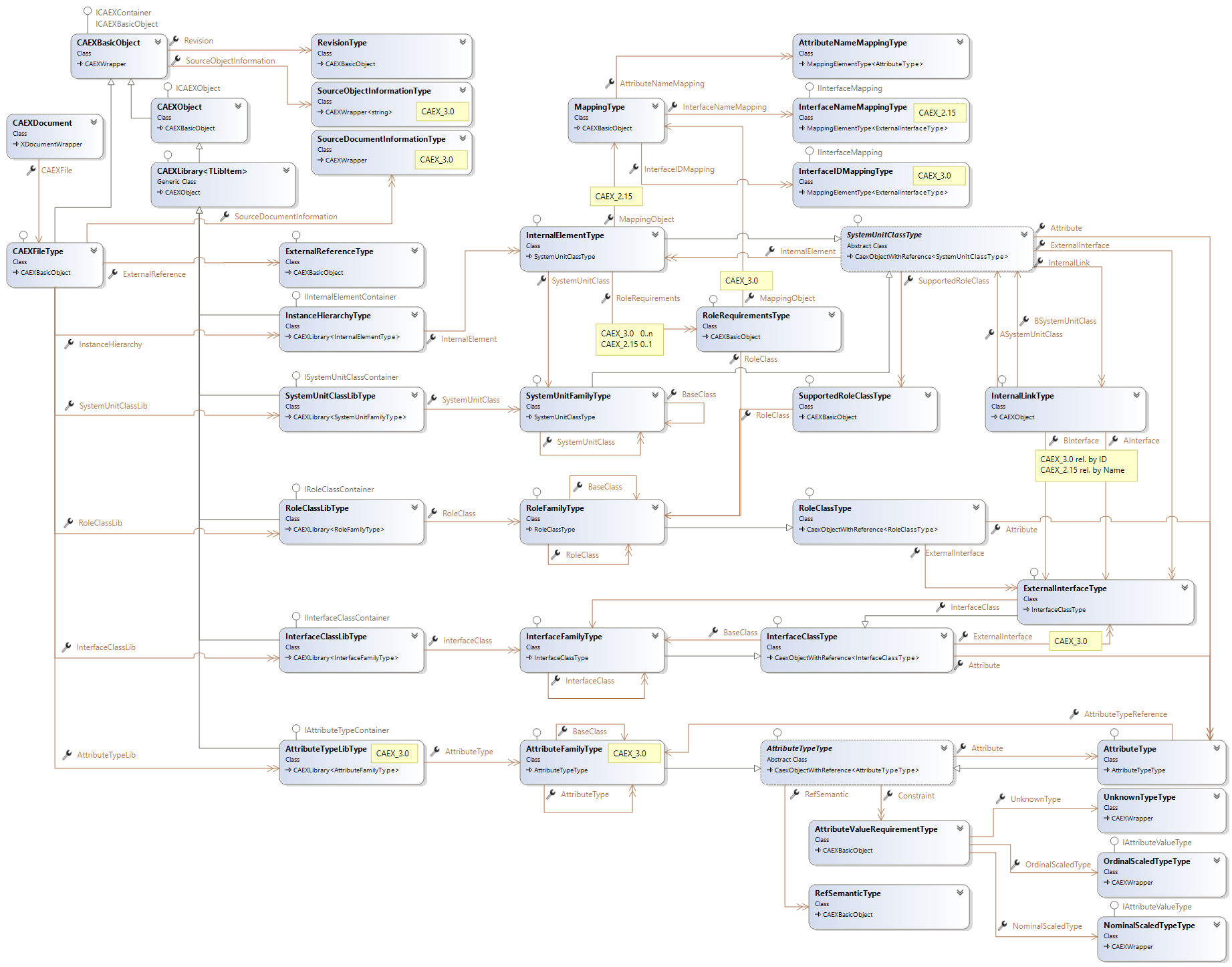
To validate a document, a service, which implements the IValidator interface has to be used. The Aml.Engine currently contains one implementation of this interface, the ValidatorService. If validation issues are detected, also possible repair options are included in the validation result. See the ValidationElement class, which information is included in the validation result.
This example show, how a document can be validated and how the obtained result can be read using extension methods, defined in ValidationResults.
Validate a document
using Aml.Engine.Services;
using Aml.Engine.CAEX;
using Aml.Engine.CAEX.Extensions;

void ValidateDocument (CAEXDocument document)
{
    // registration of the validation service
    var service = ValidatorService.Register();

    // document validation
    var validationResult = service.ValidateAll();

    // filter results, get all ID references which are not OK.
    var idReferenceValidationResult = validationResult.IDReferenceValidationResults();

    // filter results, get all Path references which are not OK.
    var pathReferenceValidationResult = validationResult.PathReferenceValidationResults();

    ValidatorService.UnRegister();
}This example is about repair IDs in a validated document.
Repair IDs
using Aml.Engine.Services;
using Aml.Engine.CAEX;
using Aml.Engine.CAEX.Extensions;

void ValidateDocument (CAEXDocument document)
{
    // registration of the validation service
    var service = ValidatorService.Register();

    // document validation
    var validationResult = service.ValidateAll();

    // filter results, get all IDs which are repairable.
    var idValidationResult = validationResult.IDValidationResults().Where(v => v.AvailableRepairOptions != RepairTypeEnum.None).ToList();

    idValidationResult.ForEach((e) => service.Repair(e));

    ValidatorService.UnRegister();
}These examples explain, how to validate a single ID or Name which should be assigned to an element.
Validate a name
using Aml.Engine.Services;
using Aml.Engine.CAEX;

void ValidateName (CAEXDocument document)
{
    // registration of the validation service
    var service = ValidatorService.Register();
    var insHierarchy1 = document.CAEXFile.InstanceHierarchy.Append();

    insHierarchy1.Name = "InsHierarchy";
    result = _service.NameValidation(insHierarchy1, "InsHierarchy");
    Assert.IsTrue(result.IsValid);

    var insHierarchy2 = document.CAEXFile.InstanceHierarchy.Append("");

    // it is not allowed, to assign the same name to another InstanceHierarchy
    result = _service.NameValidation(insHierarchy2, "InsHierarchy");
    Assert.IsFalse(result.IsValid);

    // it is possible to register a UniqueNameService. The Aml.Engine recognizes,
    // if such a service is present and
    // will automatically assign unique names to all generated or inserted objects.

    Console.WriteLine (result.Message);
}Home | Installation | API | Solutions
Getting Started
- Install
- First Steps with CAEX
- Working with CAEX Libraries
- Working with CAEX Relations
- Managing Inheritance
- Attribut Values
- Document Versions
Extended Examples
API Reference Guide